Odoo shaped around how your company operates.
We implement Odoo 20 and earlier versions from scratch, migrate between versions without losing customizations, and build the modules the standard doesn’t cover. Community and Enterprise, on Odoo.sh or your own server.
Odoo services
Pick a starting point. Most projects combine two or three.
Implementation
We set up Odoo 17, 18, 19 or 20 around how you actually work: purchasing, sales, inventory, accounting and multi-company. We load your data, train your team and stay with you after go-live.
See more →Migration
We migrate Odoo Community and Enterprise from 14 to 20: data, custom and third-party modules, reports and workflows. With test runs on a copy, accounting checks and a planned cutover.
See more →Customization
We build custom modules when standard configuration falls short: business rules, PDF reports, dashboards, accounting automation and AI connectors. Version-controlled code, ready to upgrade.
See more →Integrations
We connect Odoo with WooCommerce, Shopify, MercadoLibre and Tiendanube to sync products, stock, prices and orders. Also with Argentina's AFIP e-invoicing and with your systems via XML-RPC and JSON-RPC.
See more →Support
We fix issues, keep your modules up to date and ship ongoing improvements to your Odoo, whether we implemented it or not. With clear priorities and a team that knows your instance.
See more →Apps on Odoo Store
Thirteen modules published on the official Odoo store for versions 18, 19 and 20. Buy once on apps.odoo.com, with 90 days of support included.
See all 13 apps →By business area
In-house apps that solve specific problems in each area.
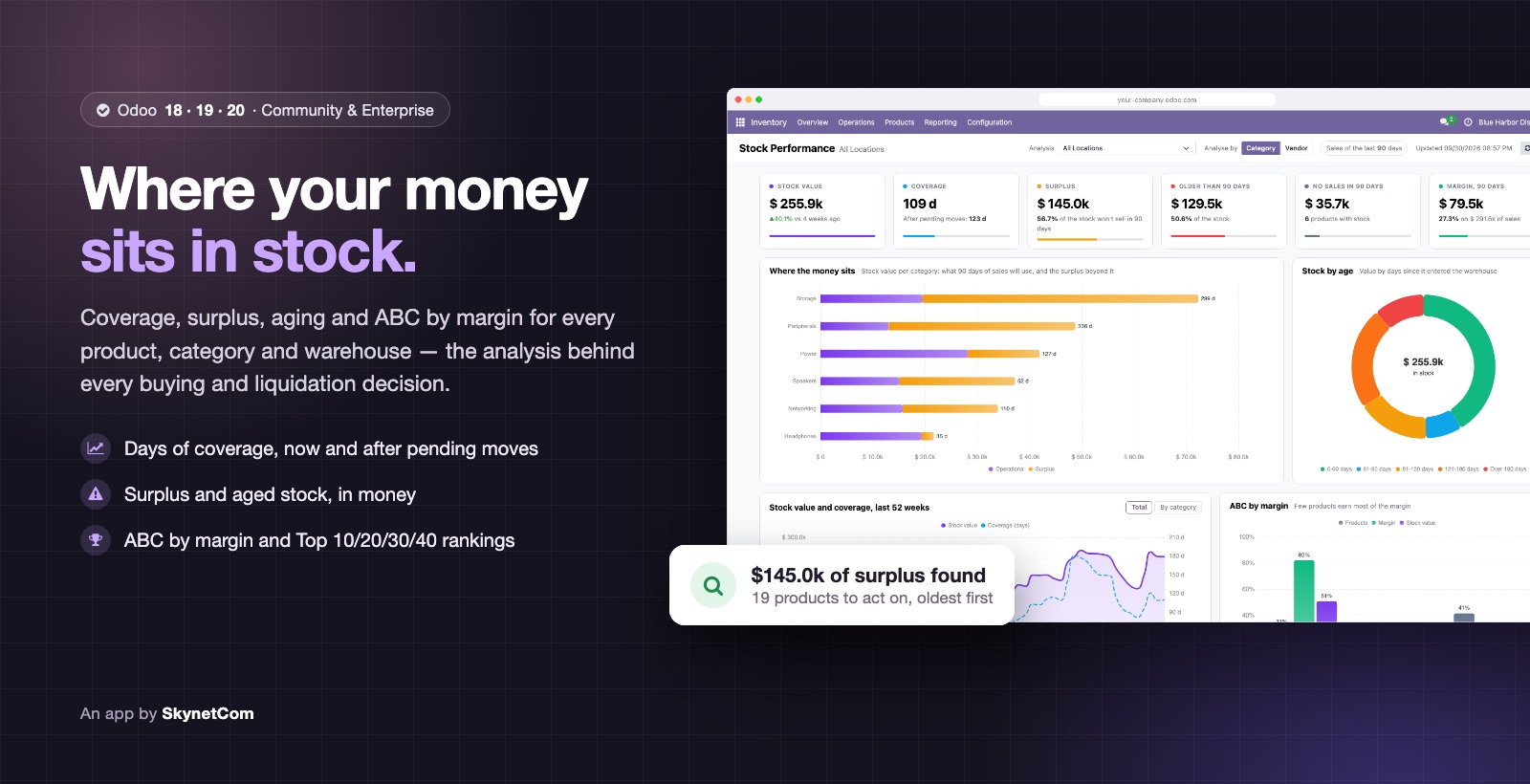

Stock Performance: Coverage, Surplus, Aging & ABC Dashboard
Coverage, surplus, aging and ABC by margin for your stock, with a dashboard.
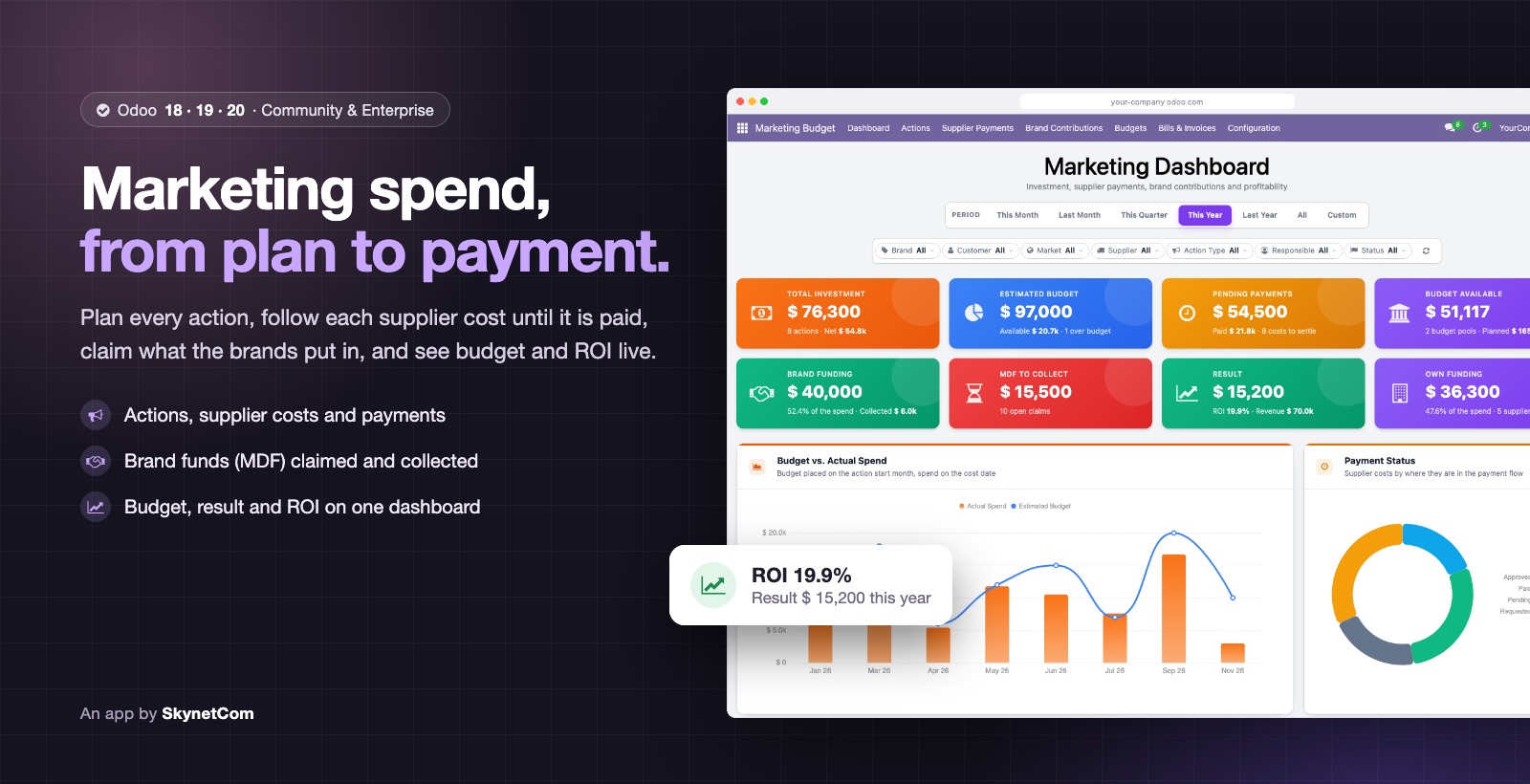

Marketing Budget, Supplier Costs & Brand Funds (MDF)
Marketing actions, supplier costs and payments, brand funds (MDF) and ROI.
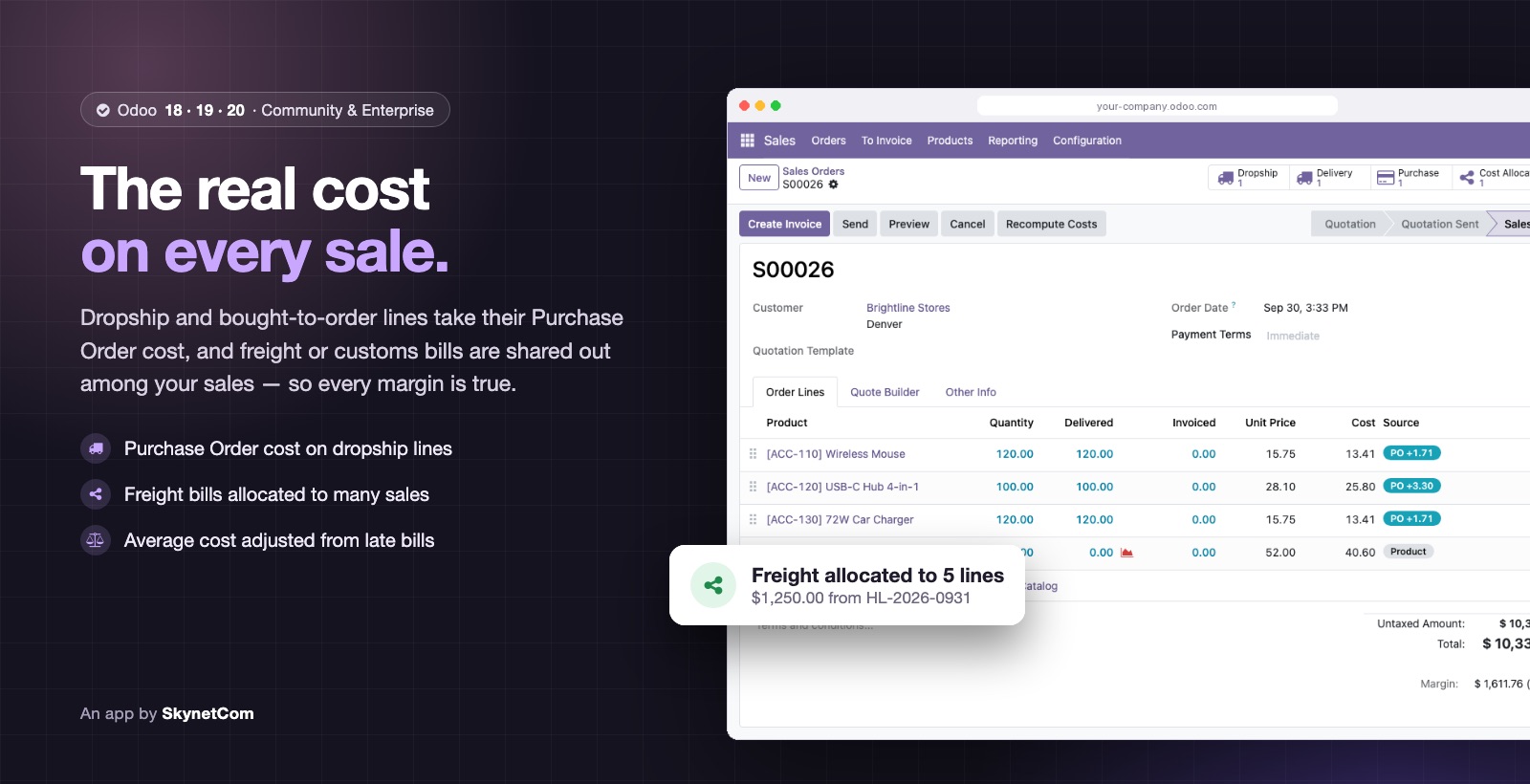

Sales Cost Management: Dropship, Purchase Cost & Freight Allocation
Real cost on every sales line: dropship, allocated freight and AVCO adjustments.
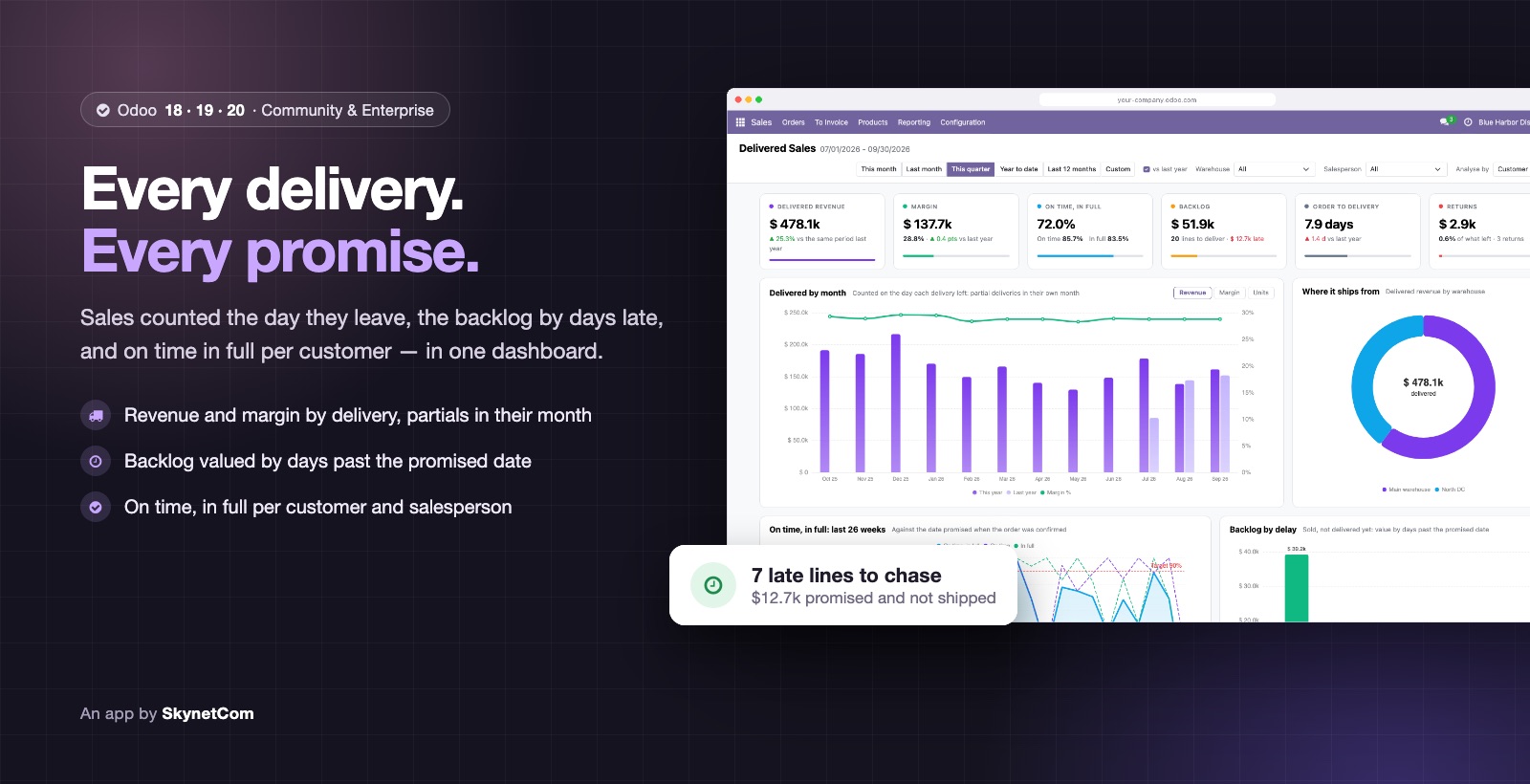
Delivered Sales Analysis: Revenue by Delivery, Backlog & OTIF
Sales counted the day goods leave, valued backlog and OTIF per customer.
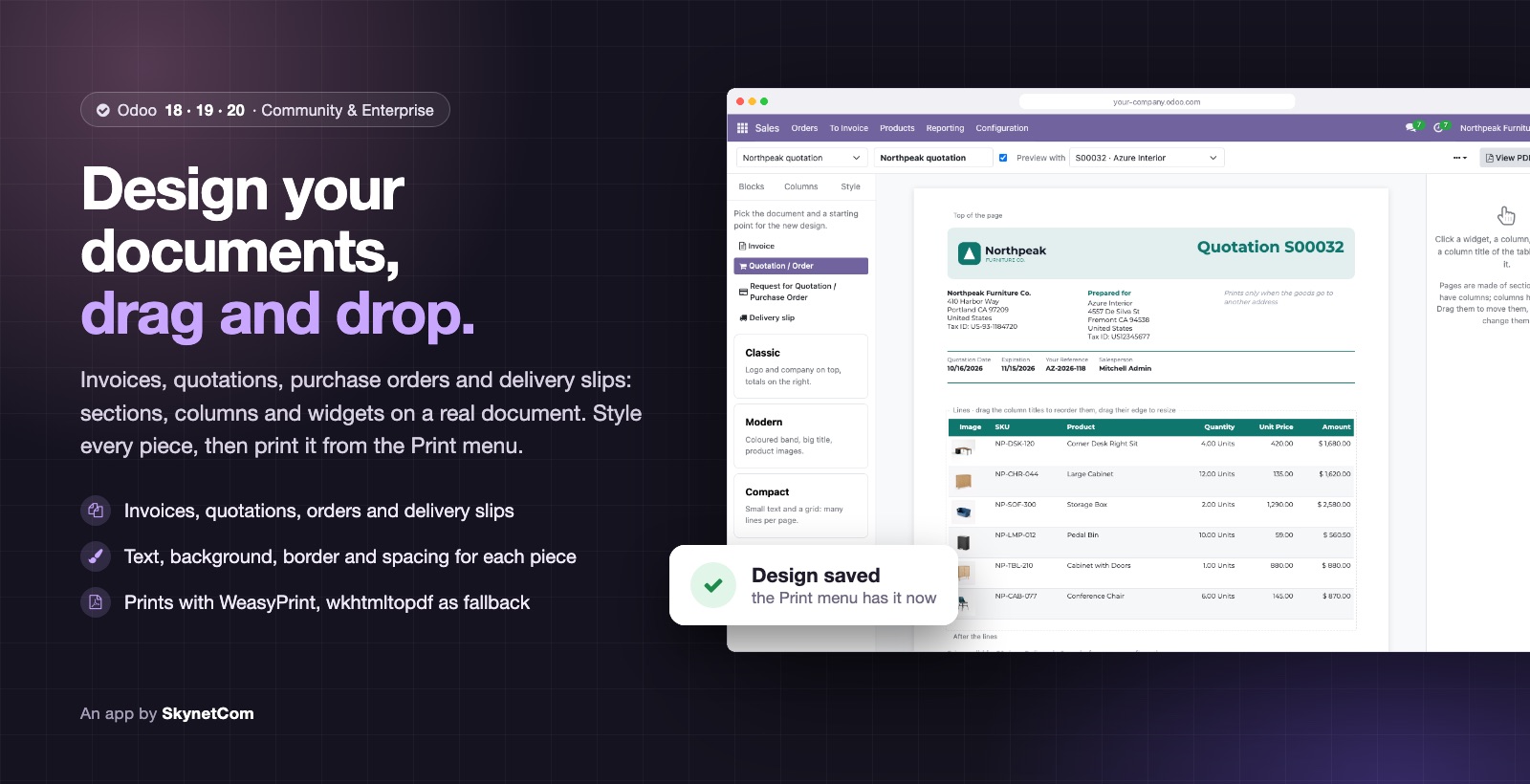

Document Designer: Drag and Drop Editor for Invoices, Quotations, Orders and Delivery Slips
Design invoices, quotations, orders and delivery slips by drag and drop, no XML.
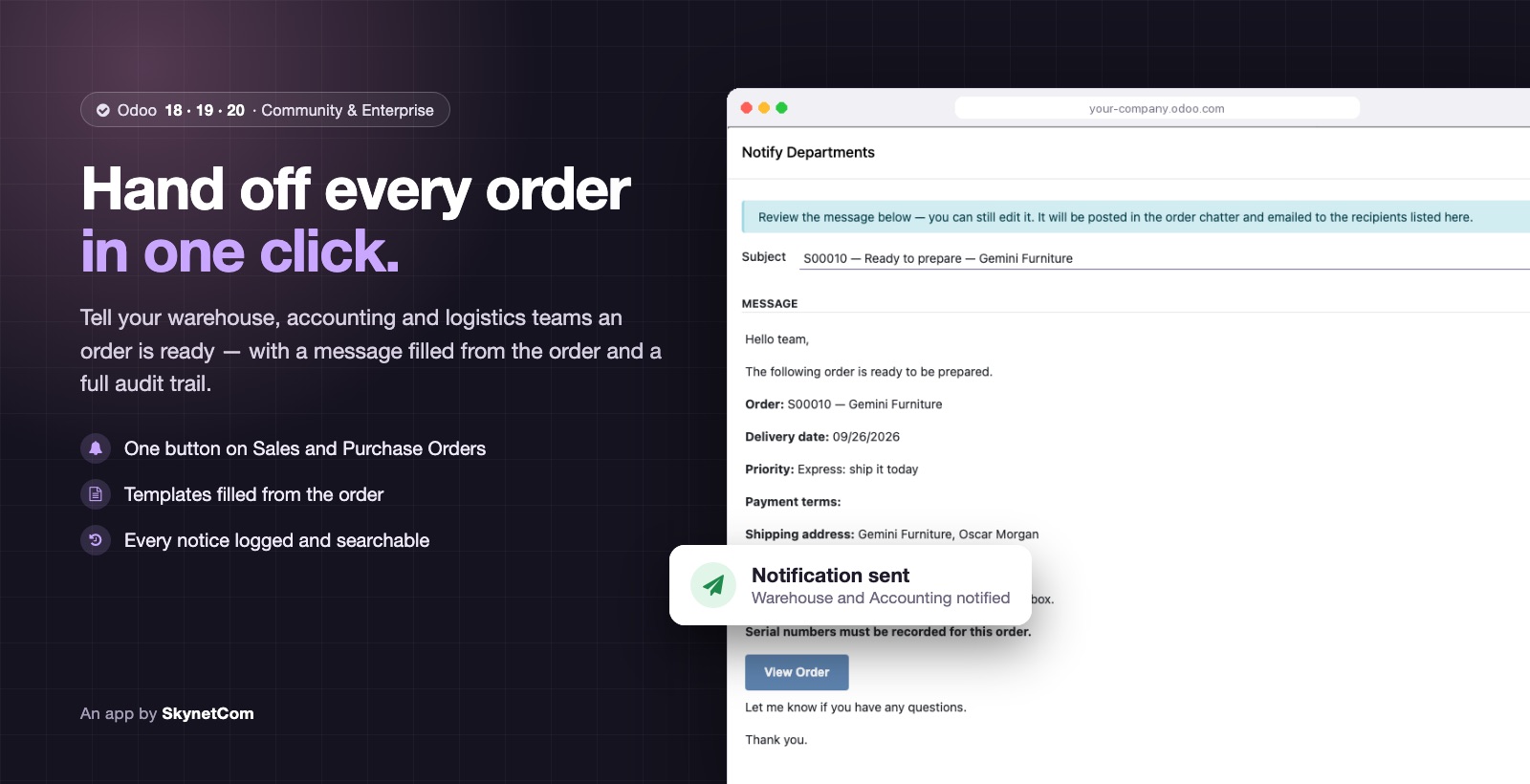

Order Notifications to Departments (Sales & Purchase)
Notify warehouse, logistics or accounting from the confirmed order, with history.
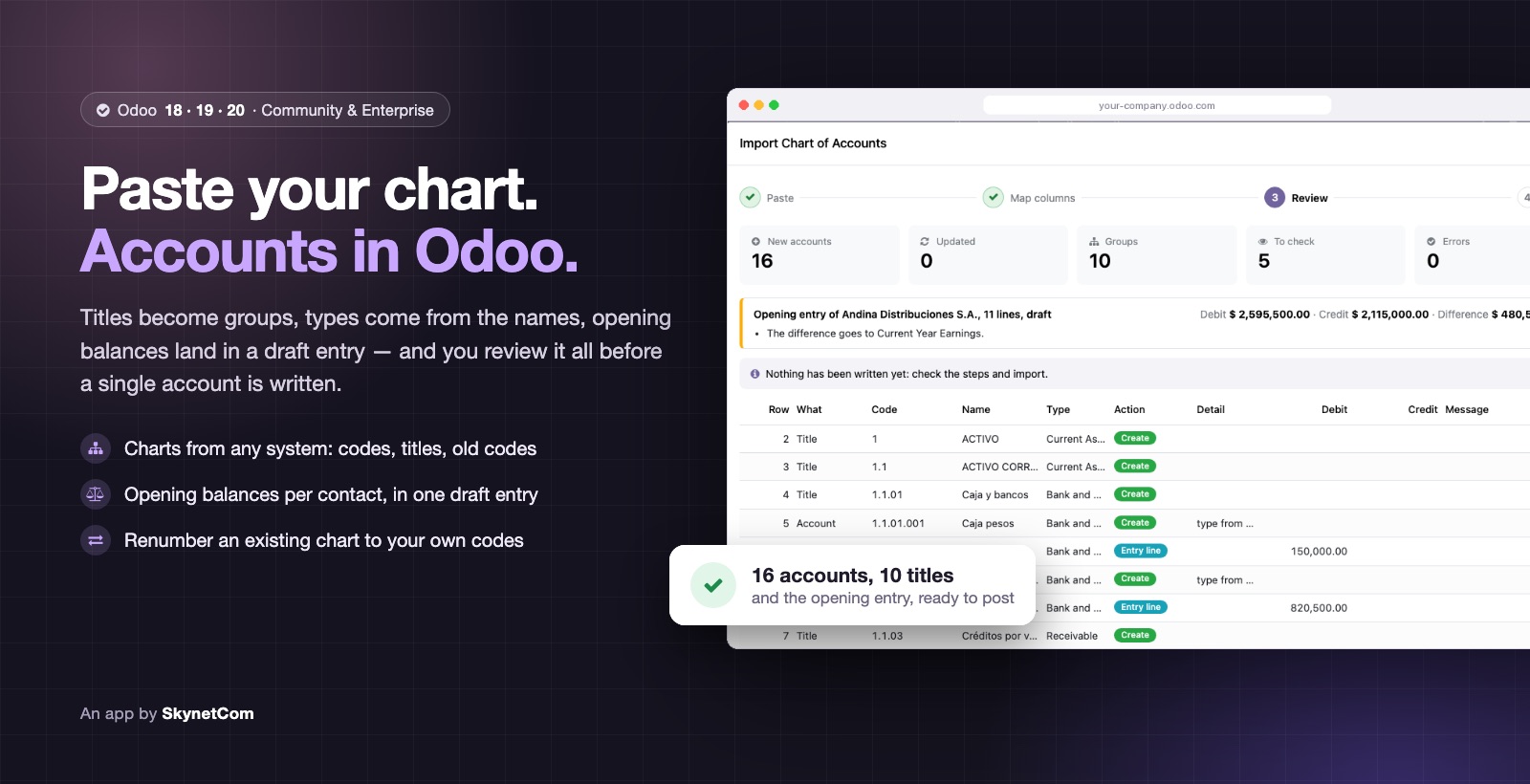
Chart of Accounts Importer: Paste from Excel
Load a chart of accounts, opening balances or new codes by pasting from Excel.
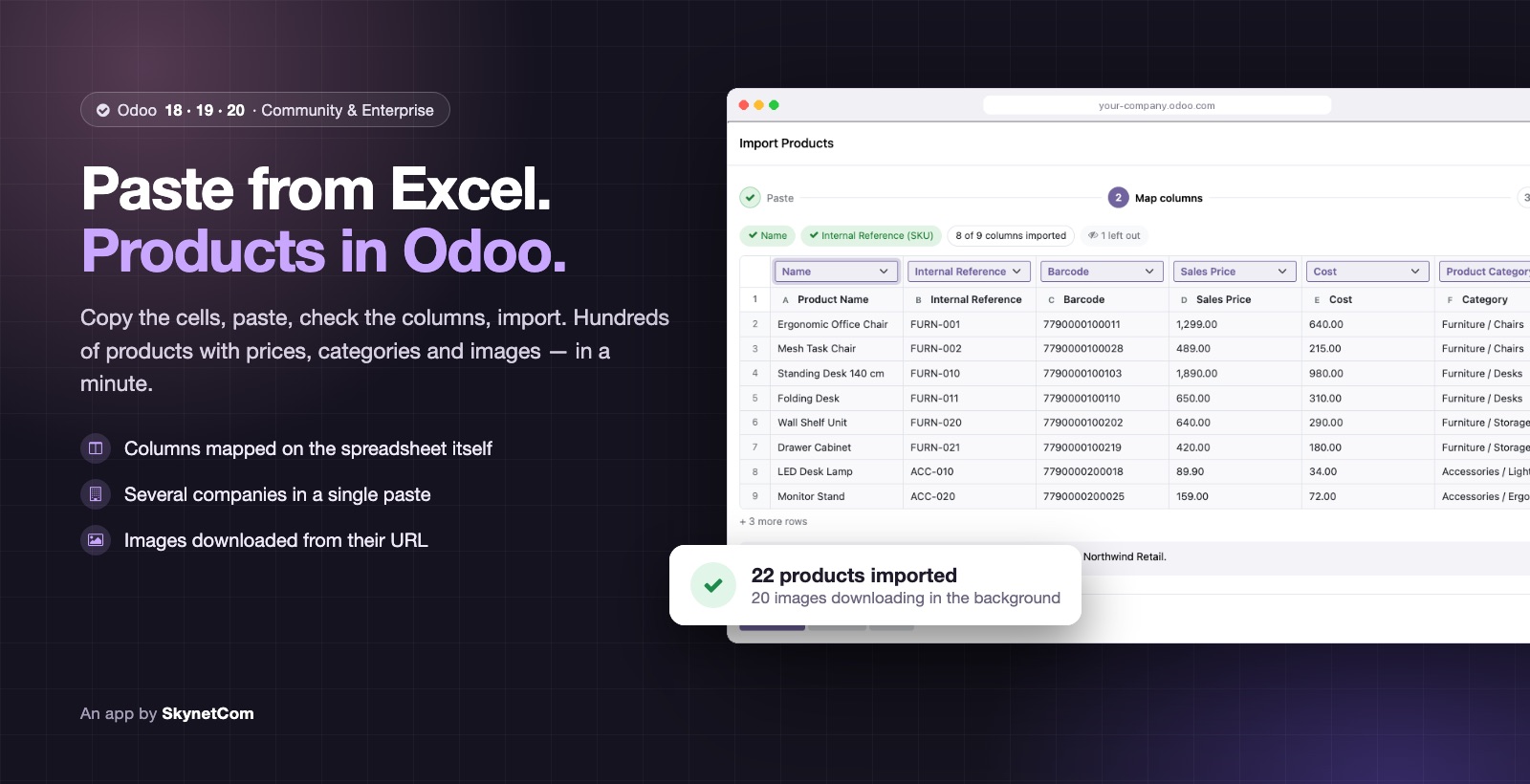
Product Importer: Paste from Excel
Create or update products by pasting cells from Excel or Google Sheets, multi-company.
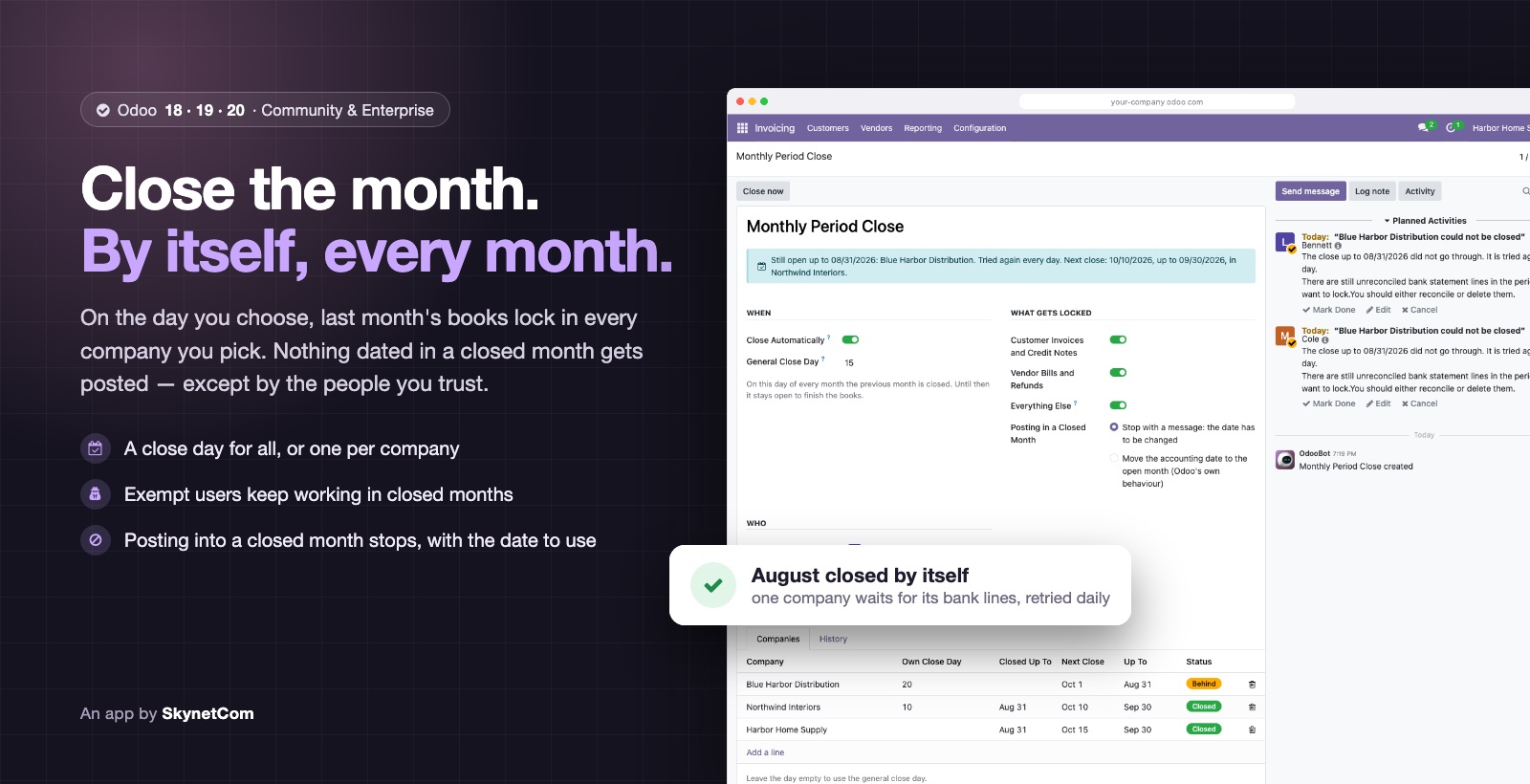

Monthly Period Close: Automatic Lock Dates and Exempt Users
Closes the previous month by itself on the day you choose, per company, with exemptions.
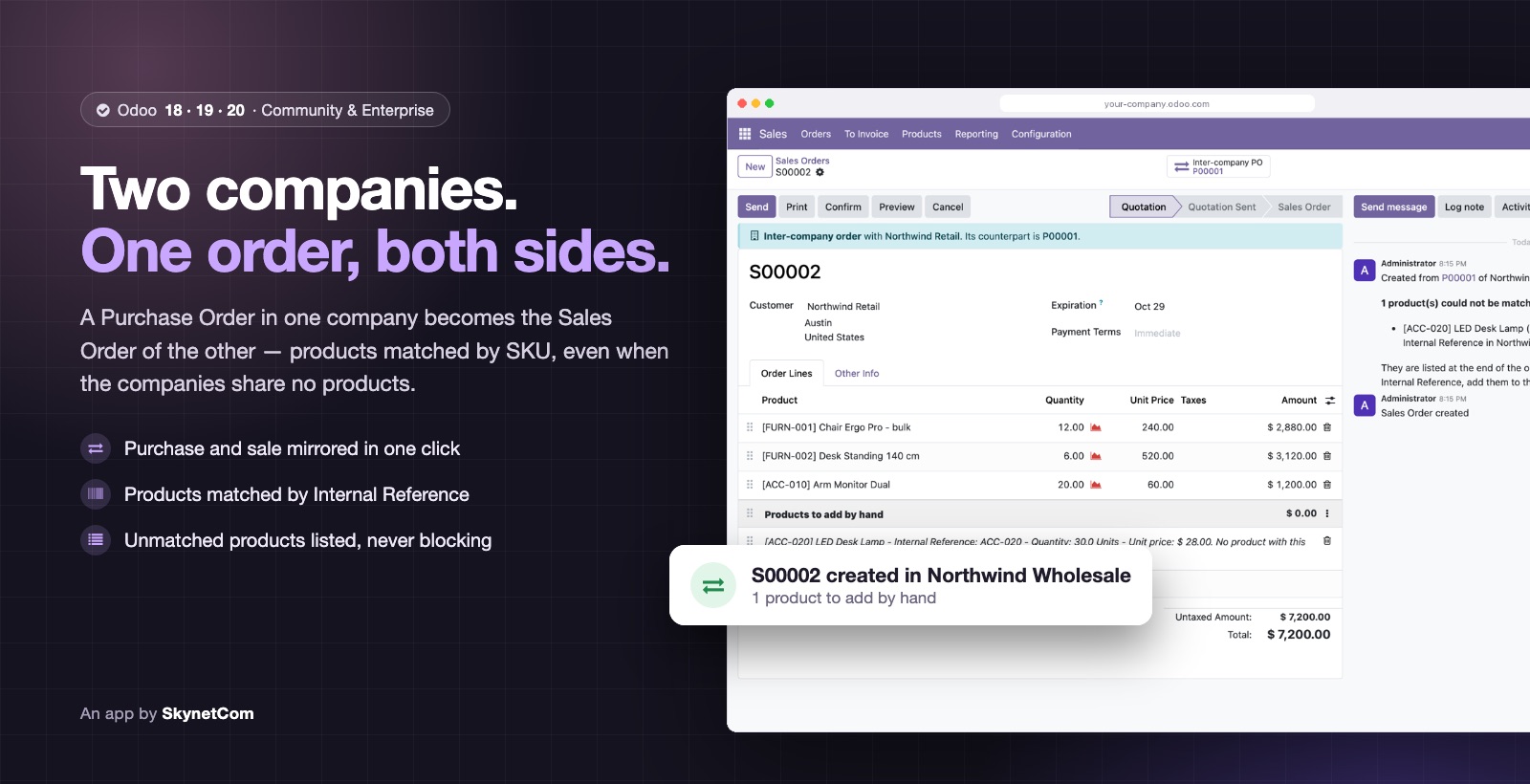

Inter-Company Orders by SKU (No Shared Products)
Create the mirror order in your other company without shared products, matched by SKU.
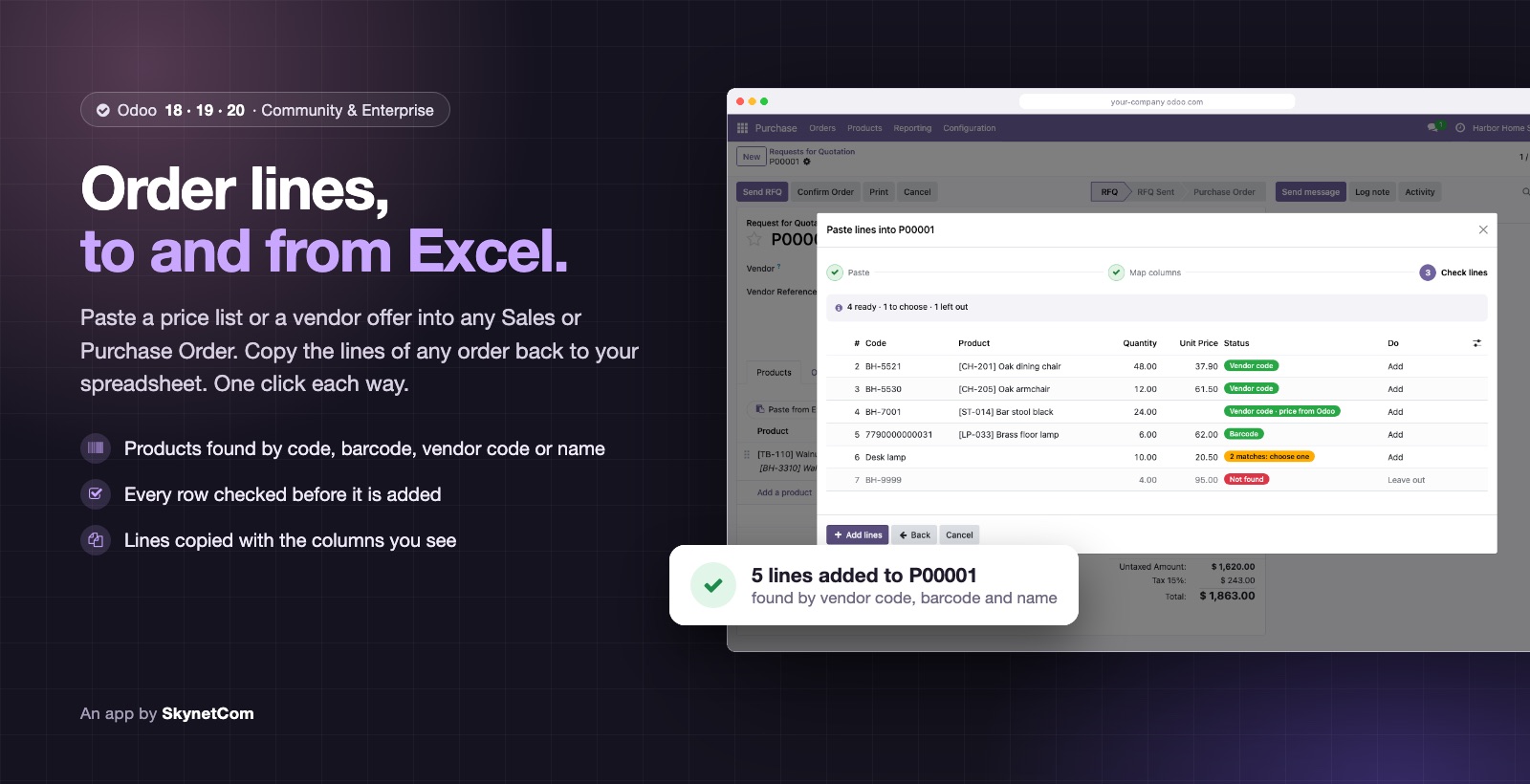
Order Lines: Paste from Excel and Copy to Excel (Sales and Purchase)
Paste lines from Excel into Sales and Purchase Orders, and copy them back in one click.
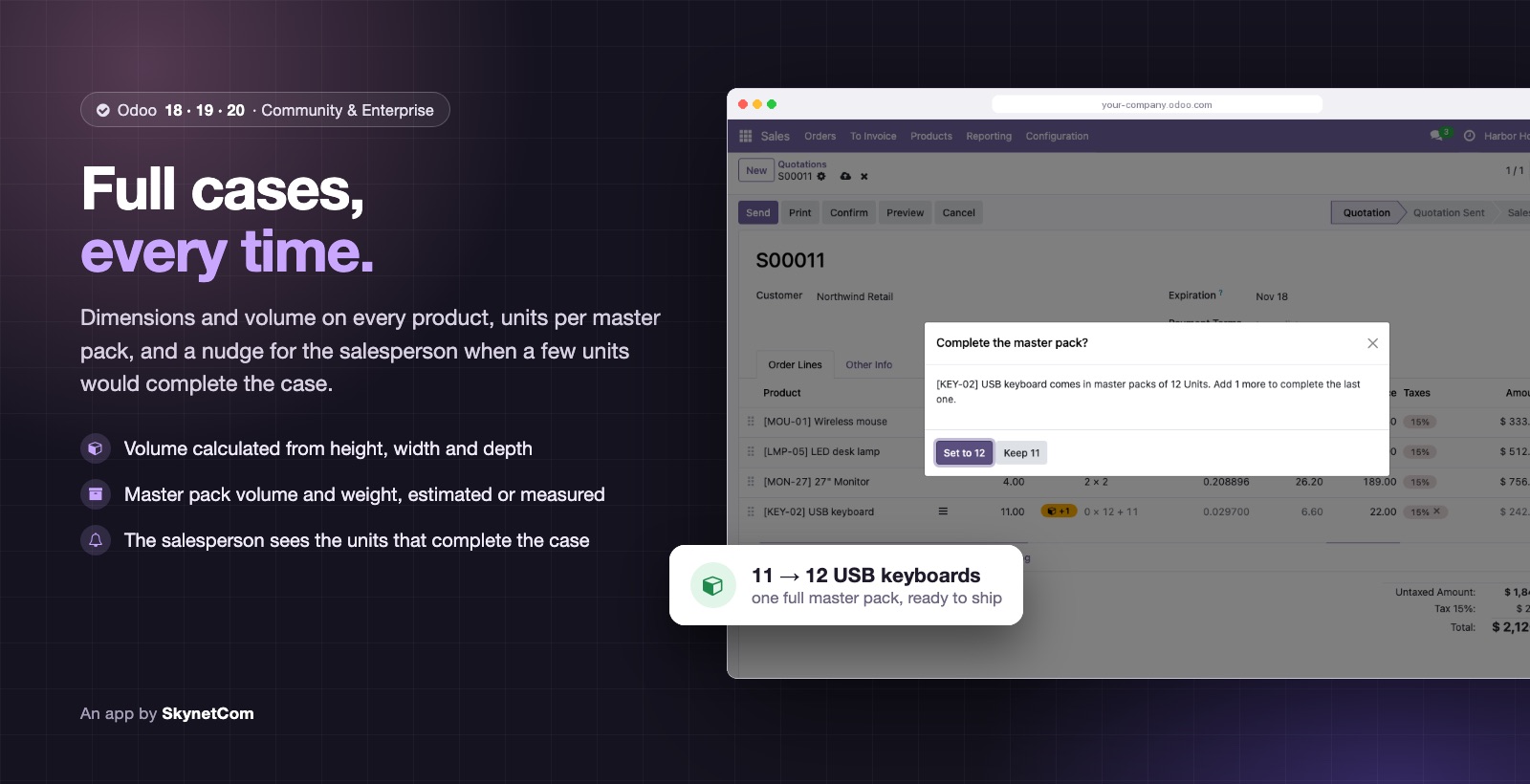
Product Dimensions and Master Pack: Volume, Case Quantity and Sales Suggestions
Product dimensions and volume, master pack, and a nudge to complete the case on sale.
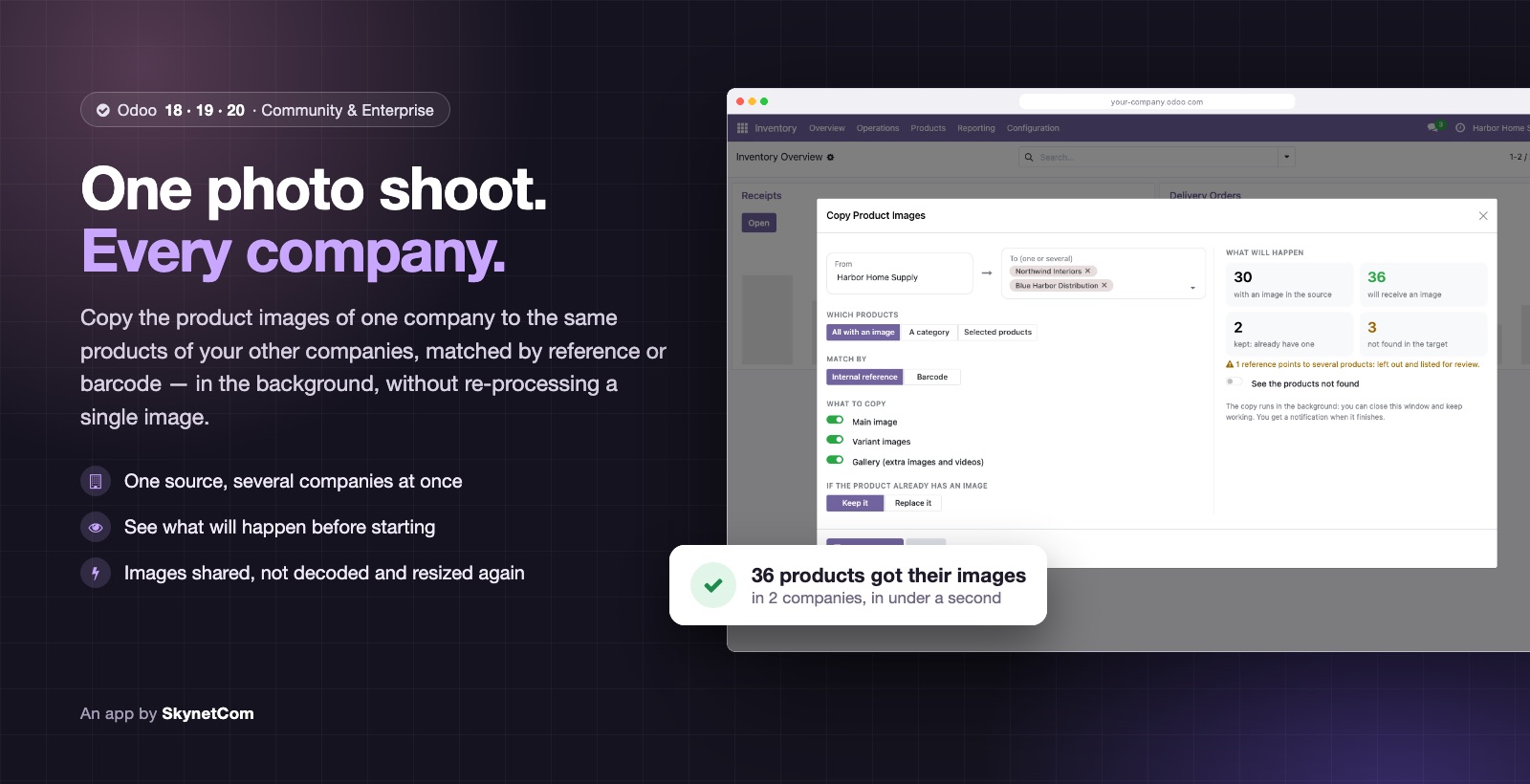

Copy Product Images Between Companies
Copy product images from one company to the others, by reference or barcode.
Versions and editions
Why us
Apps we use
Our modules run in the daily operation of a multi-company distributor before they reach the Store.
From v14 to v20
We know what changes in each version, including the new stock valuation in 19 and 20.
Maintainable code
Modules with tests, translations and parallel releases for 18, 19 and 20.
No black boxes
The code and repositories are yours from day one.
Is your Odoo or store not quite fitting how you work?
Write to us. We reply within one business day with next steps and, if needed, a discovery call.