Order Lines: Paste from Excel and Copy to Excel (Sales and Purchase)
Paste spreadsheet rows into a Sales or Purchase Order: products are found by reference, barcode, name or the vendor's code, and every row is checked on screen before it is added. The other way round, copy the lines of any order to the clipboard with the visible columns.

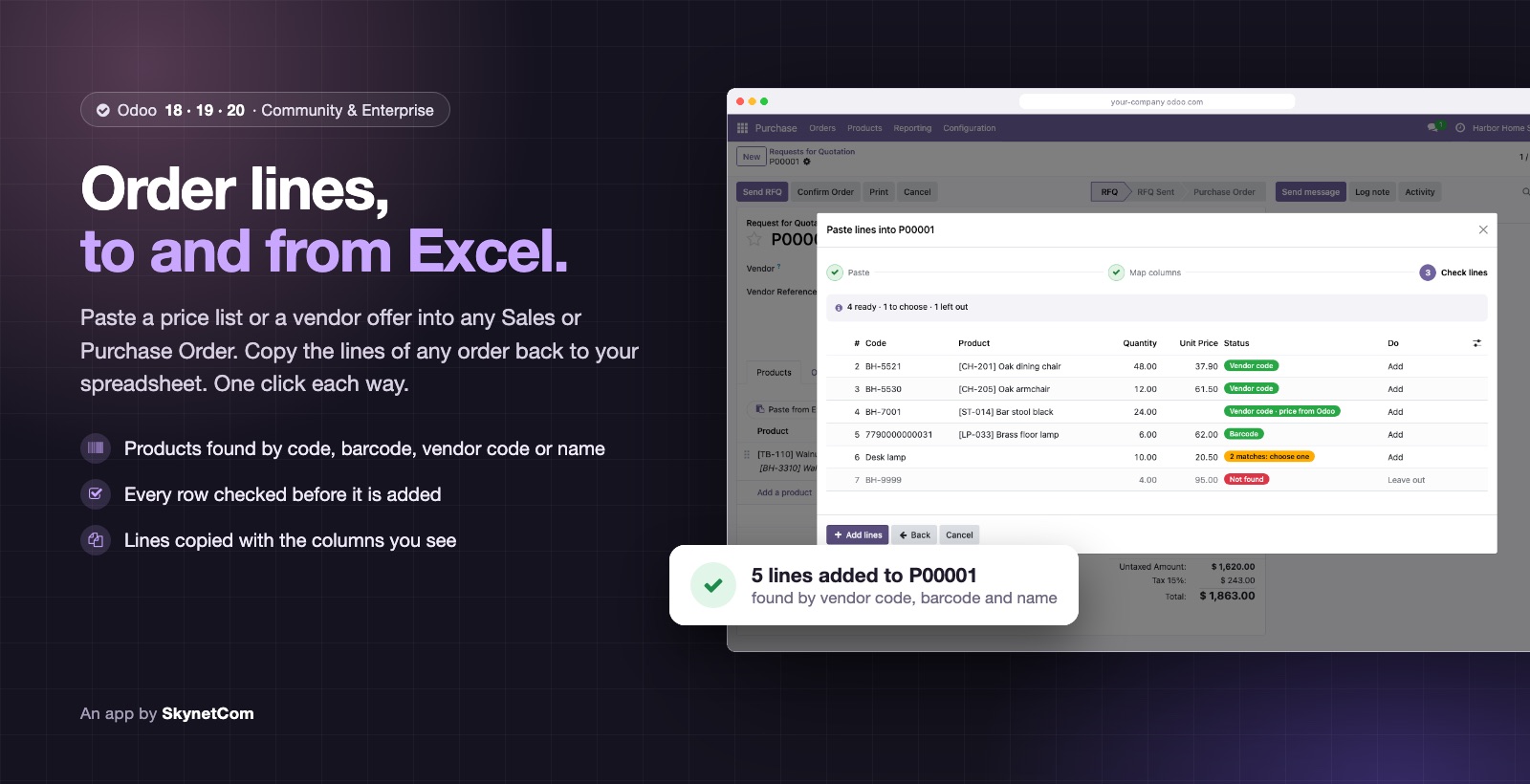
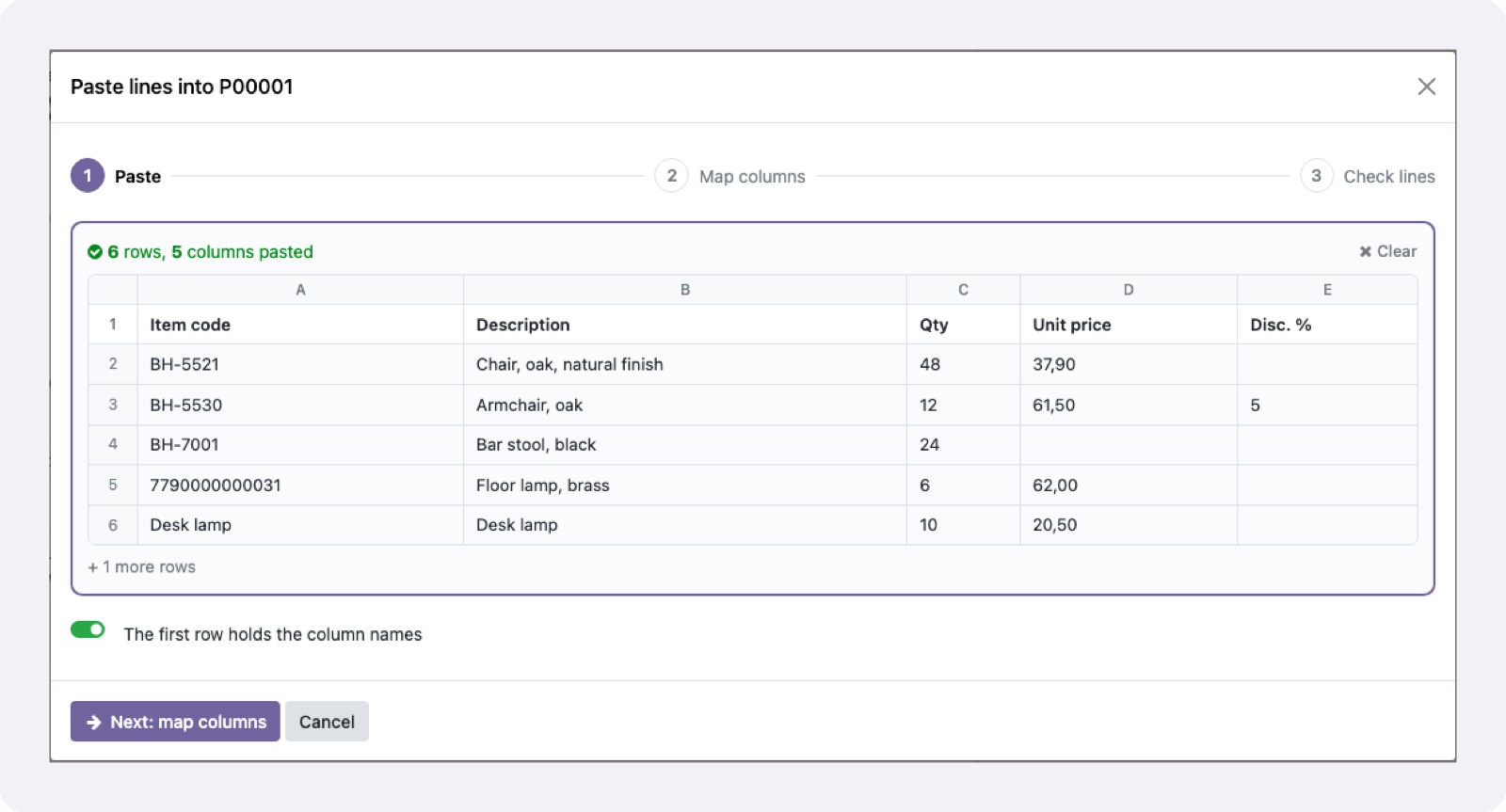
Paste lines from Excel into Sales and Purchase Orders, and copy them back in one click.
Paste in 3 steps: paste, map columns, check
Product by reference, barcode, name or vendor code
Choose between several matches; rows not found kept as a note
Reads 1,234.56 and 1.234,56, with or without a currency sign
With no price column, the pricelist or vendor price applies
Copy lines to the clipboard with the columns the list shows
More Odoo apps
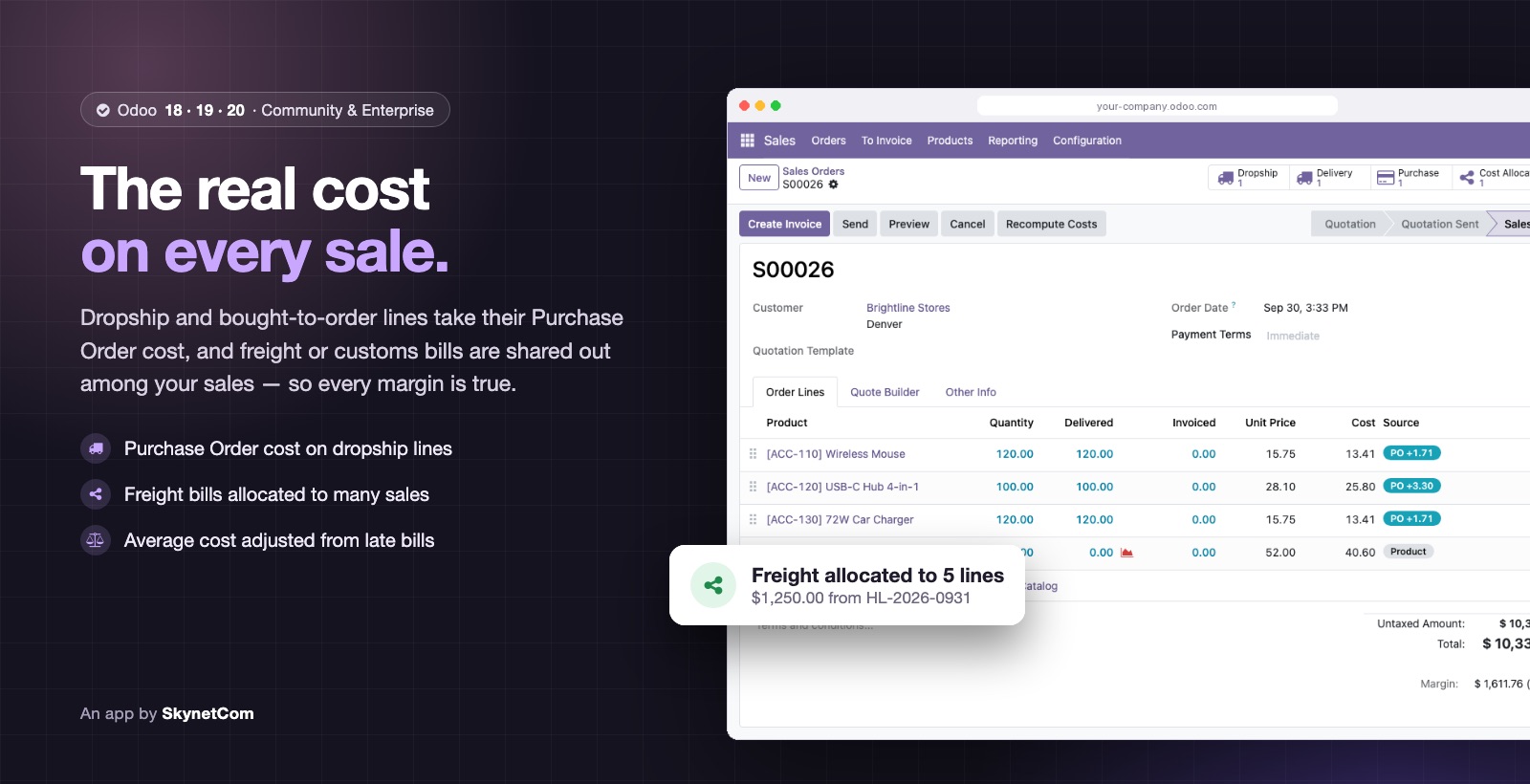

Sales Cost Management: Dropship, Purchase Cost & Freight Allocation
Real cost on every sales line: dropship, allocated freight and AVCO adjustments.
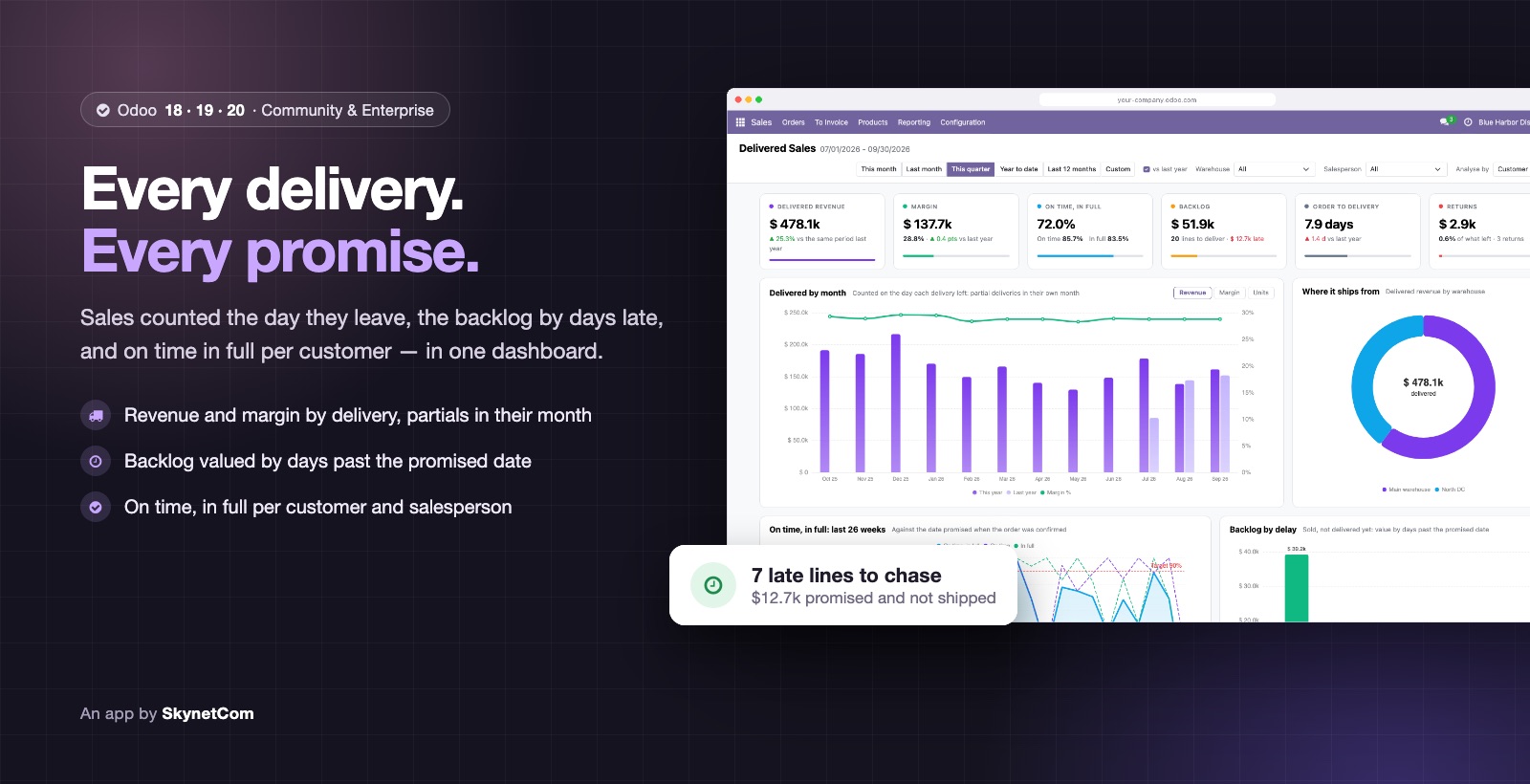

Delivered Sales Analysis: Revenue by Delivery, Backlog & OTIF
Sales counted the day goods leave, valued backlog and OTIF per customer.
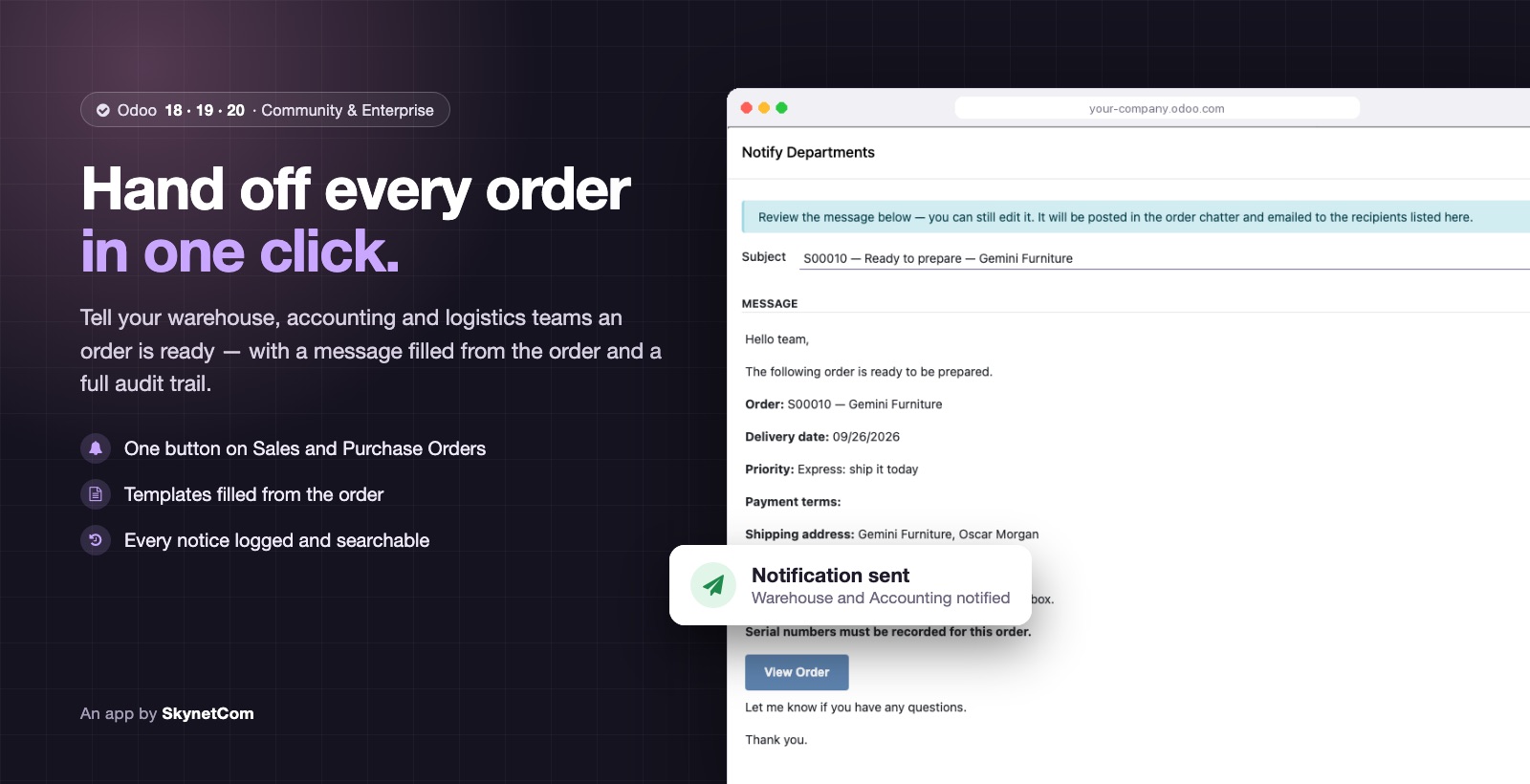

Order Notifications to Departments (Sales & Purchase)
Notify warehouse, logistics or accounting from the confirmed order, with history.
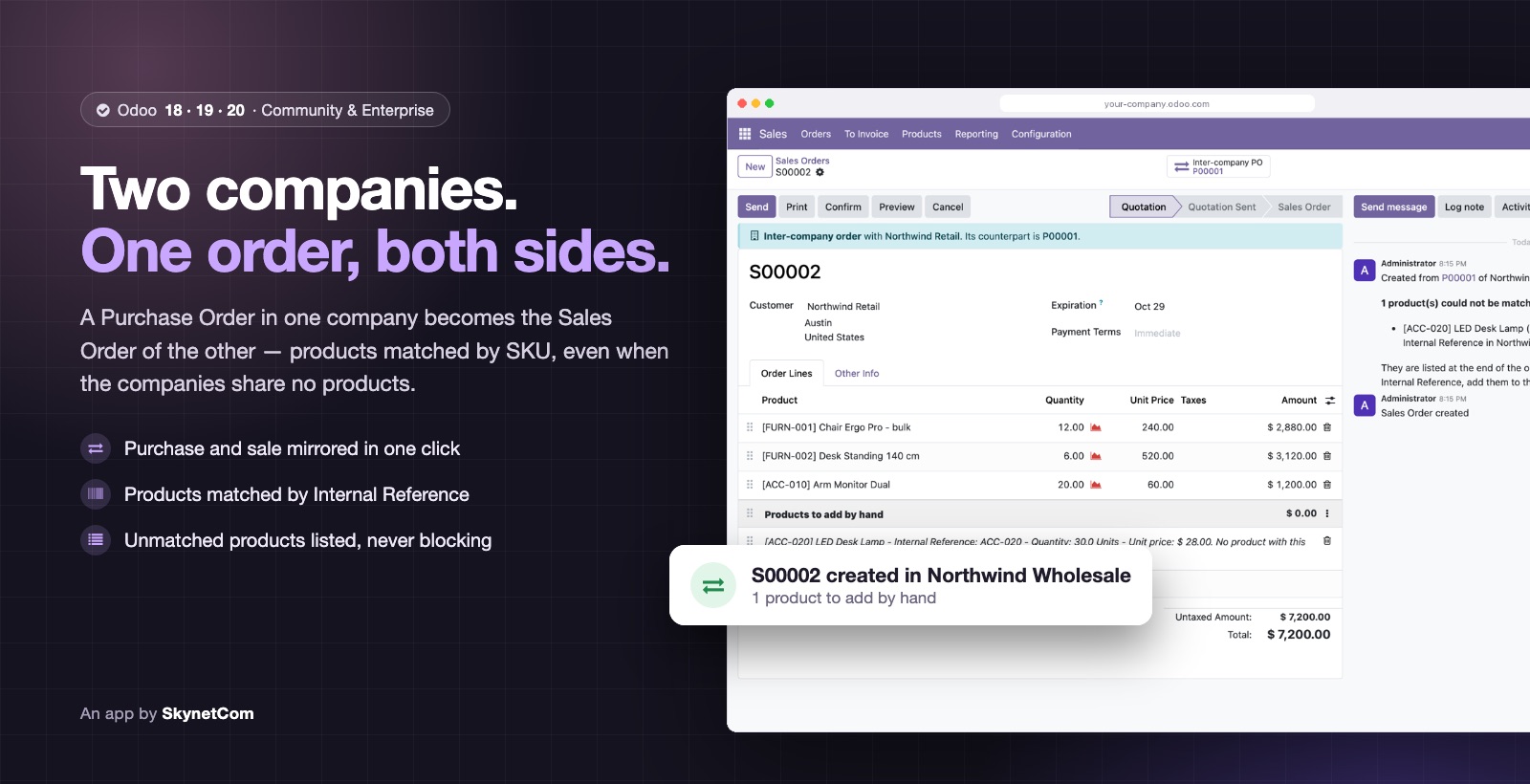

Inter-Company Orders by SKU (No Shared Products)
Create the mirror order in your other company without shared products, matched by SKU.
Need it adapted to your workflow?
We adjust any app to your operation or build a specific extension.