MercadoLibre ↔ WooCommerce

MercadoLibre and WooCommerce in sync, without entering it all twice

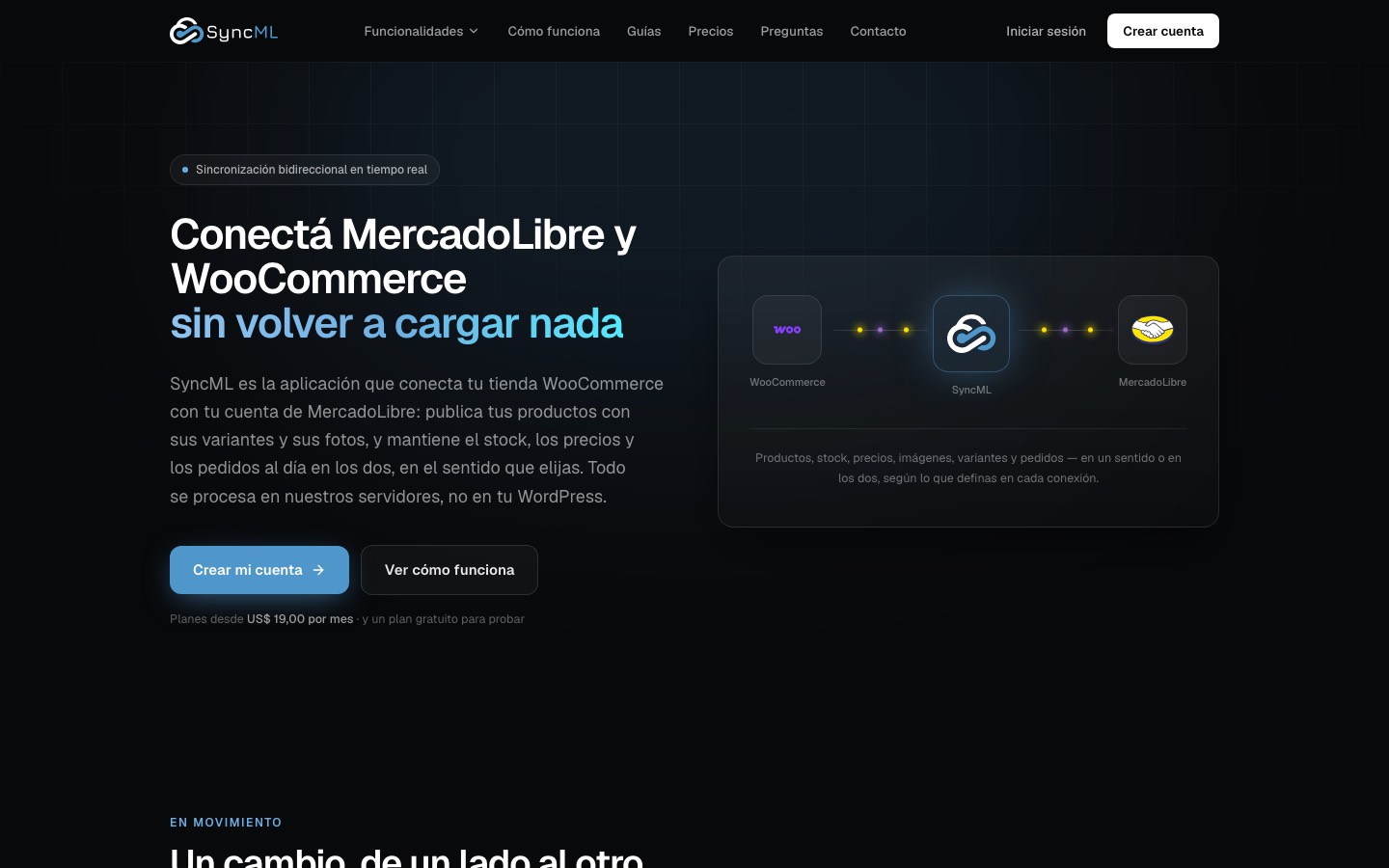
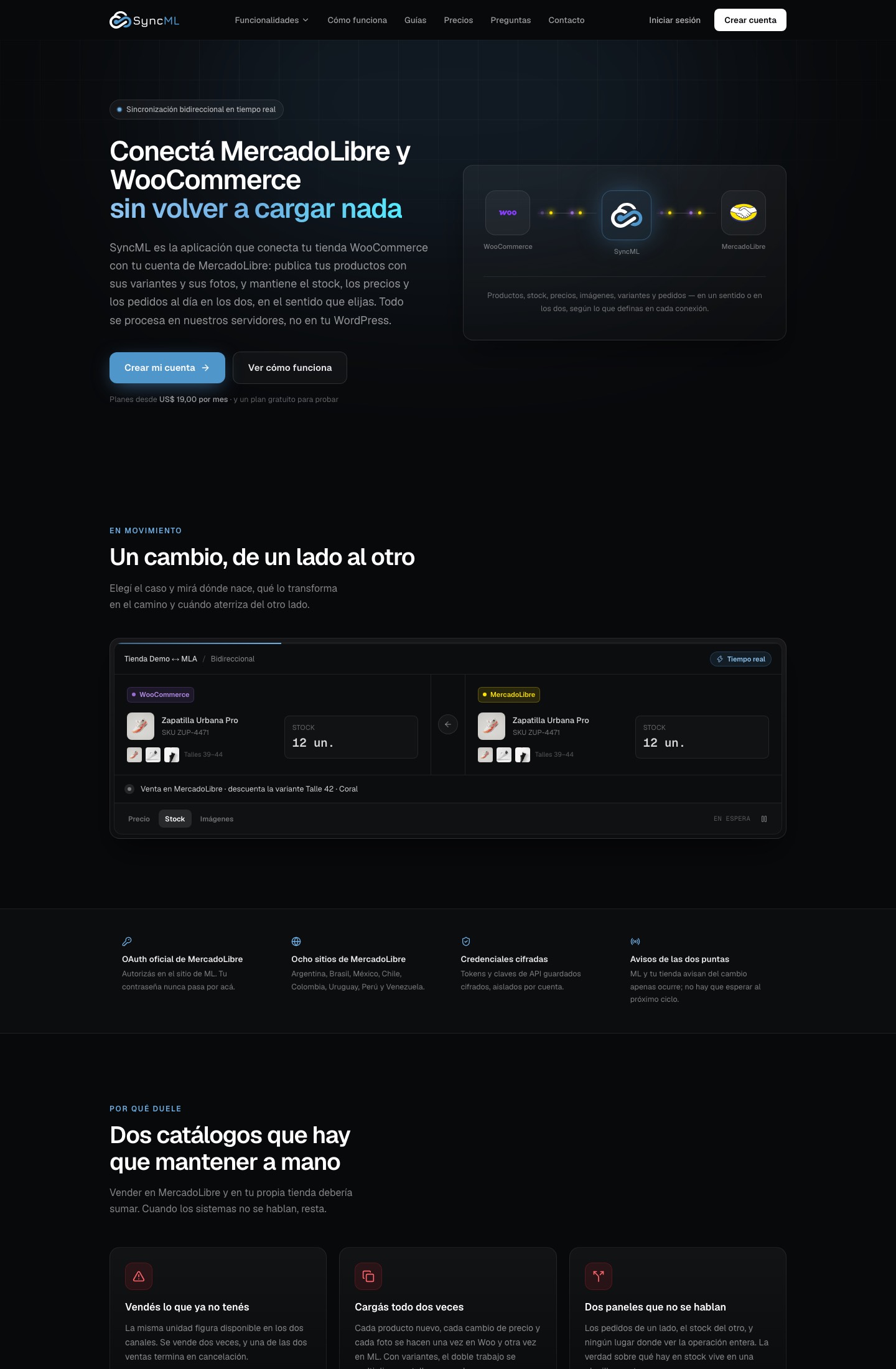
Publishes your products with variants and photos, and keeps stock, prices and orders aligned between MercadoLibre and WooCommerce in the direction you choose. It runs on our servers, not in your WordPress.

In productionSincrion
Sincrion home page: WooCommerce connected to MercadoLibre
MercadoLibre countries supported8
Integrations3
Features6
StatusIn production
Who it’s for
01MercadoLibre sellers who want their own online store
02WooCommerce stores that want to sell on MercadoLibre too
03Businesses already on both channels, entering everything twice
04Agencies managing stores and accounts for their clients
Features

Sincrion

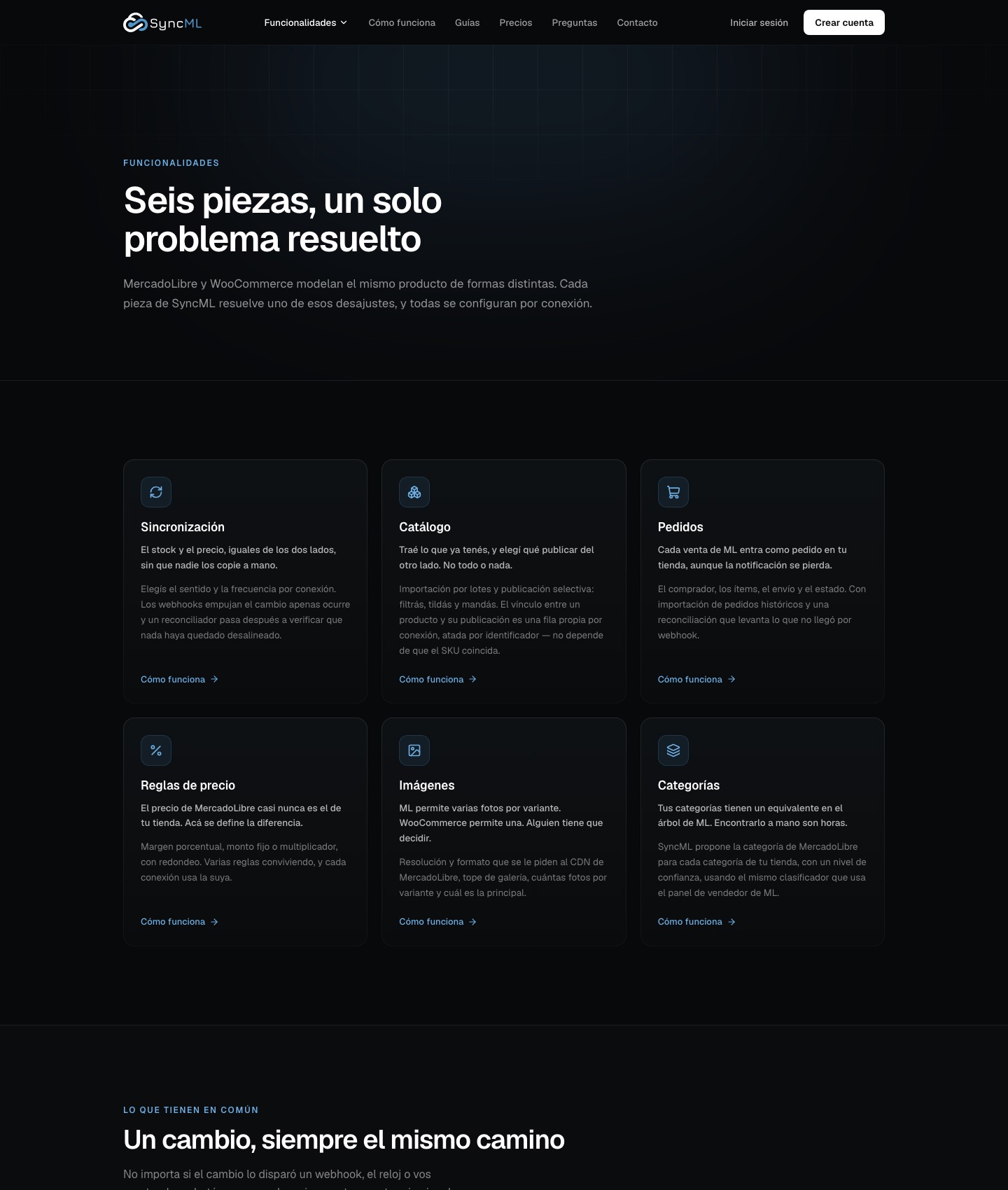
Sincrion home page: WooCommerce connected to MercadoLibreSincrion features: sync, catalog, orders, pricing rules, images and categoriesDemo of a stock change traveling from MercadoLibre to WooCommerce
01 / 06

Stock and price sync

One-way or two-way, per connection. Real time via webhooks or every 5, 15, 30 or 60 minutes, with a reconciler that checks nothing drifts out of sync.

02 / 06

Catalog import and publishing

Brings in what you already have on either side, matches by SKU and publishes only what you pick, with filters and bulk selection.

03 / 06

MercadoLibre orders in your store

Each sale arrives with buyer, items, shipping and status. A scheduled reconciliation recovers orders whose notification got lost.

04 / 06

Pricing rules

Percentage margin, fixed amount or multiplier, with rounding, per connection or category. Several rules coexist and each connection uses its own.

05 / 06

Variants and images

Products with sizes and colors arrive complete. Set resolution, photos per variant and the main image, without duplicating gallery files.

06 / 06

Category mapping

Suggests the MercadoLibre category for each store category, with a confidence level, using the same classifier as the ML seller panel.

How it works
  1. Connect your accounts: MercadoLibre through official OAuth and your store with the plugin or a WooCommerce API key.
  2. Set up the connection: choose direction, frequency, pricing rule, images and categories.
  3. Import what you already have and choose what to publish on the other side.
  4. Let changes flow on their own and review the history of every sync.
Screenshots

syncml.pro

Demo of a stock change traveling from MercadoLibre to WooCommerce

Demo of a stock change traveling from MercadoLibre to WooCommerce
Integrations
MercadoLibreWooCommerceWordPress
Technology
Next.jsTypeScriptPostgreSQLPrismaRedisDocker
Plans

Current pricing on the product’s website.

Free

To try it with a small catalog, no card needed.

Basic

One connection for a mid-sized catalog.

Pro

Two connections, more products and more pricing rules.

Enterprise

Multiple connections and large catalogs.

Visit site ↗

Contact

Is your Odoo or store not quite fitting how you work?

Write to us. We reply within one business day with next steps and, if needed, a discovery call.