Multichannel + ERP sync

Stock, prices and orders in sync across your channels and ERP

Connects stores, marketplaces and Odoo, and lets you choose which data goes where: catalog, stock, prices, orders and customers. Adds AI assistants that answer with your real data.

In productionNexxoSync
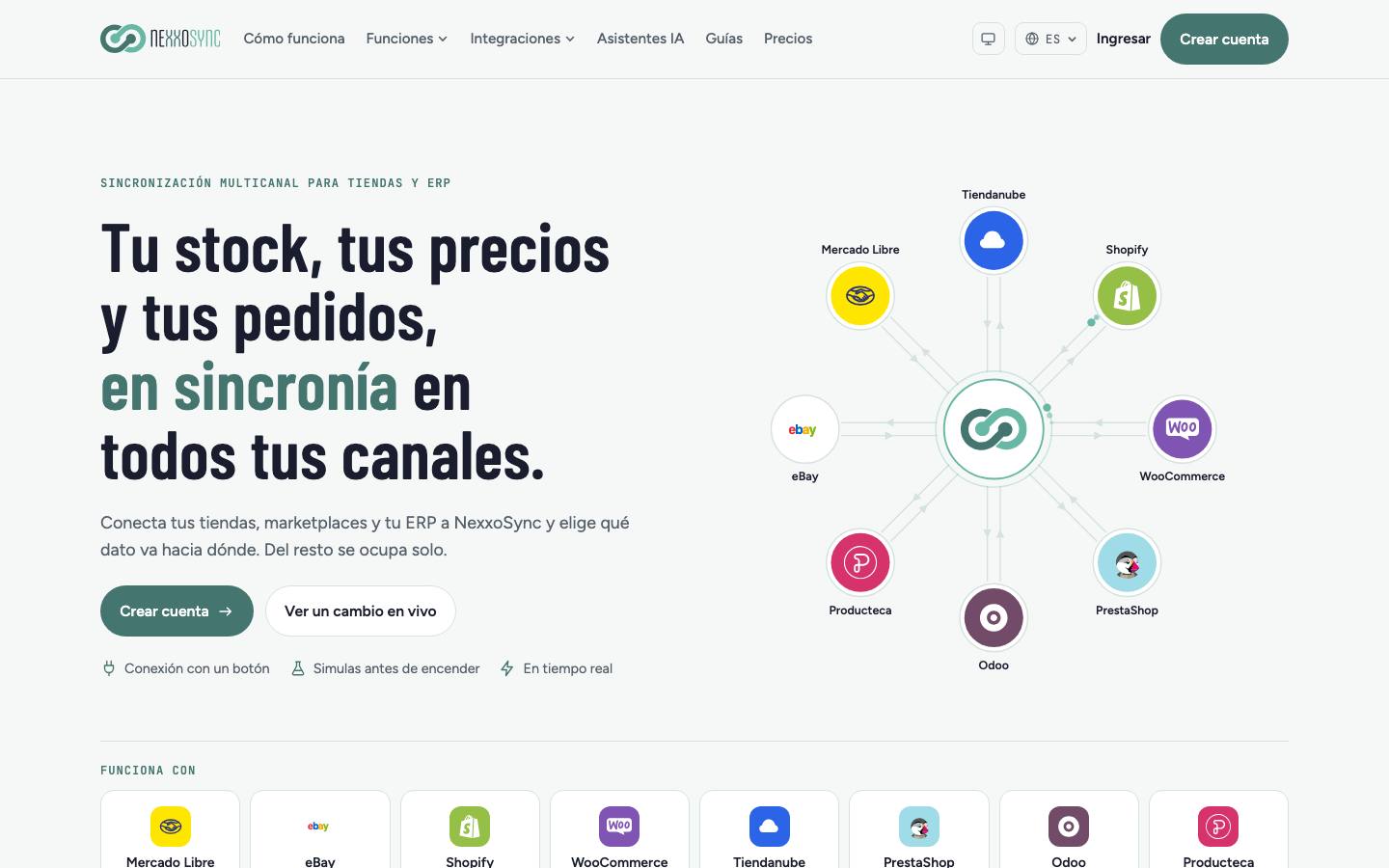
NexxoSync home page with connected channels around the hub
integrated platforms8
Integrations8
Features6
StatusIn production
Who it’s for
01Sellers running several marketplaces and stores at once
02Companies managing stock and invoicing in Odoo
03Teams answering Mercado Libre questions and claims every day
Features

NexxoSync

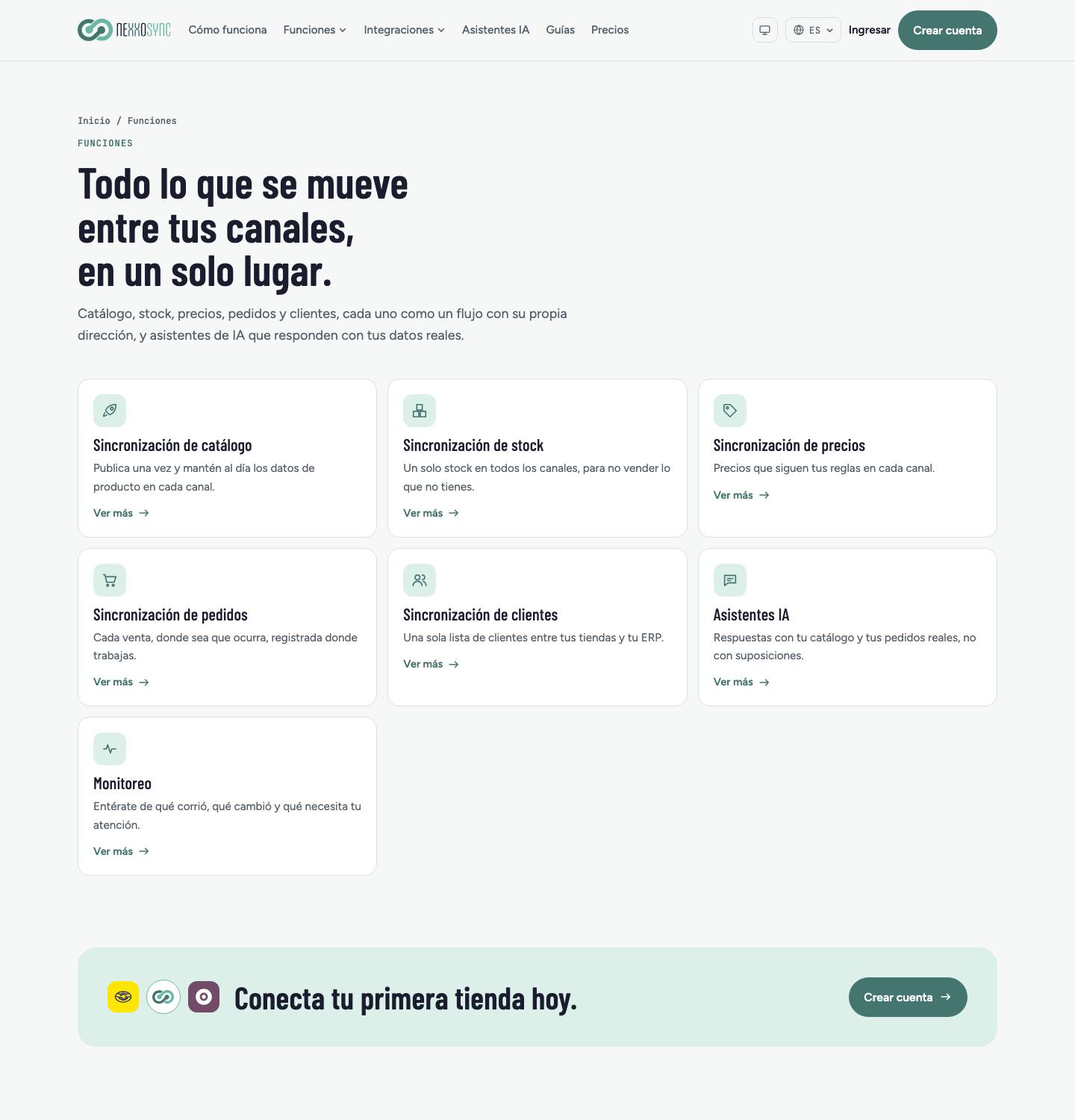
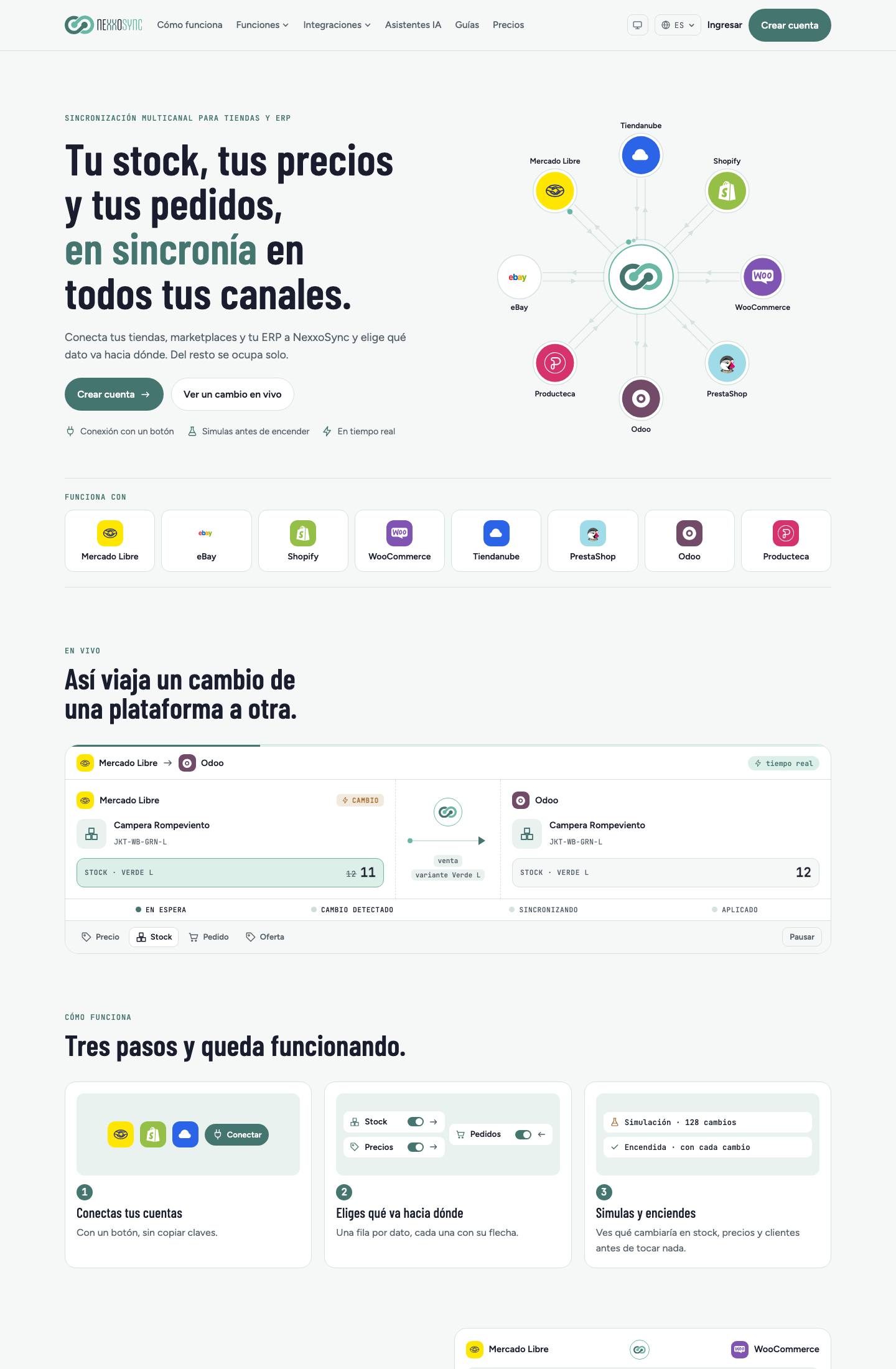
NexxoSync home page with connected channels around the hubNexxoSync features: catalog, stock, prices, orders, customers, AI assistants and monitoringDemo of a Mercado Libre sale updating stock in Odoo, plus the three setup steps
01 / 06

Catalog

Publish once and keep product data up to date. Creates what is missing on each channel, with photos and attributes.

02 / 06

Shared stock

A single stock for every channel, per variation and location, updated shortly after each sale.

03 / 06

Per-channel pricing

Markup, currency, tax and rounding rules for each channel, such as prices ending in .90.

04 / 06

Orders and customers

Each sale reaches the ERP or store without duplicates, with customer, shipping and taxes. One record per buyer, matched by email or tax ID.

05 / 06

Simulation and monitoring

Preview changes before switching on. Then history, automatic retries and email alerts.

06 / 06

AI assistants

Web chat that checks catalog and orders, answers to Mercado Libre questions, and claim triage with a drafted reply.
How it works
  1. Connect your accounts with one click; Odoo and Producteca ask for credentials or an API key.
  2. Choose what goes where: one row per data type, each with its own direction.
  3. Review the SKU links the system proposes and confirm the uncertain ones.
  4. Simulate stock, price and customer changes, then switch the sync on.
Screenshots

nexxosync.com

Demo of a Mercado Libre sale updating stock in Odoo, plus the three setup steps

Demo of a Mercado Libre sale updating stock in Odoo, plus the three setup steps
Integrations
Mercado LibreeBayShopifyWooCommerceTiendanubePrestaShopOdooProducteca
Technology
Next.jsTypeScriptPostgreSQLPrismaRedisDockerOdoo module
Plans

Current pricing on the product’s website.

Free

To connect two accounts and try it out.

Starter

For a catalog of up to a thousand linked products.

Pro

More accounts, products, assistants and team members.

Scale

For operations with many channels and large catalogs.

Enterprise

Custom limits.

Visit site ↗

Contact

Is your Odoo or store not quite fitting how you work?

Write to us. We reply within one business day with next steps and, if needed, a discovery call.