Product Importer: Paste from Excel
Copy the cells of the spreadsheet and paste them in Odoo: each column is mapped to a field on top of its own values, and products are created or updated in one or several companies. Rows with errors are listed with the reason, the rest is imported, and images download in the background.

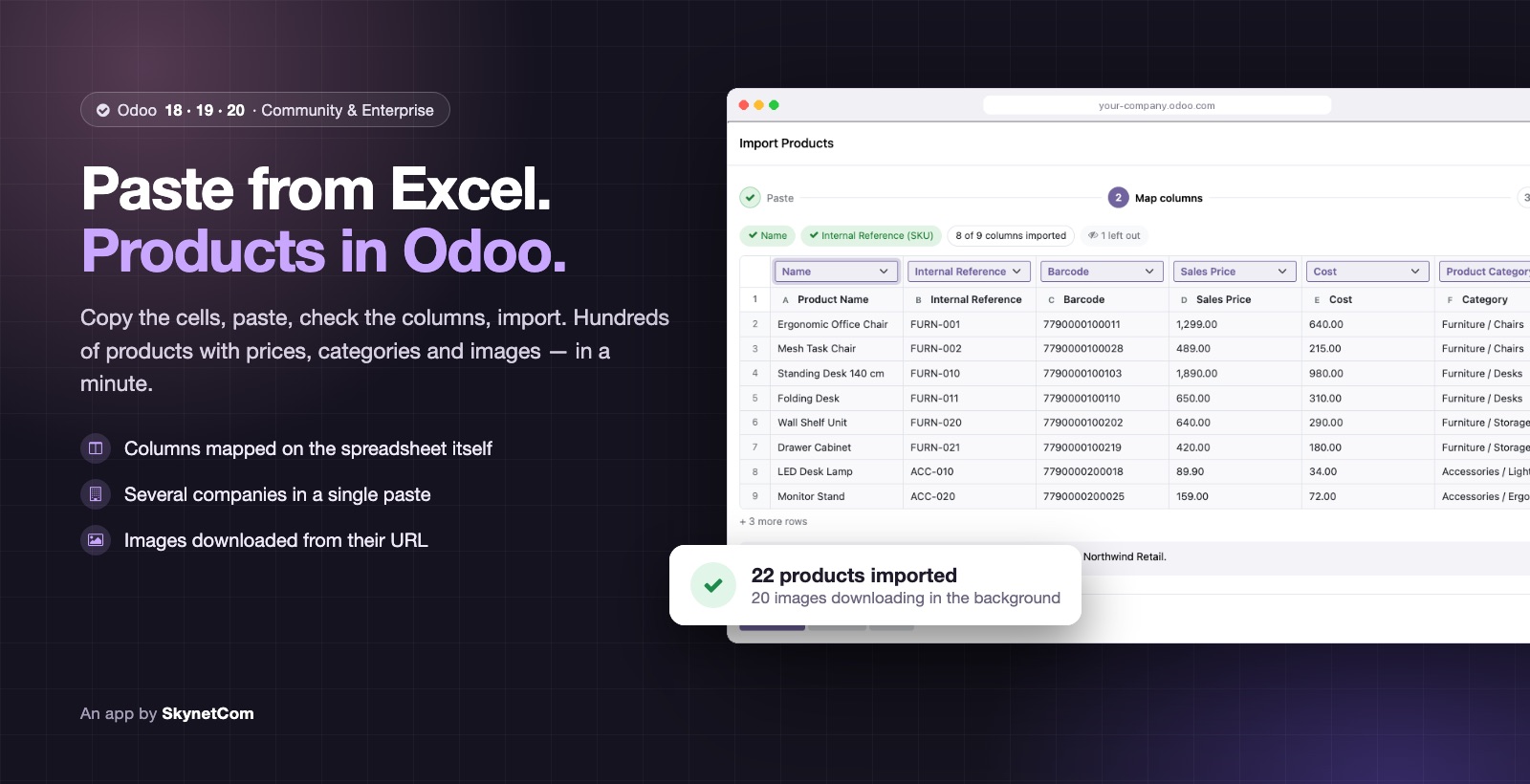
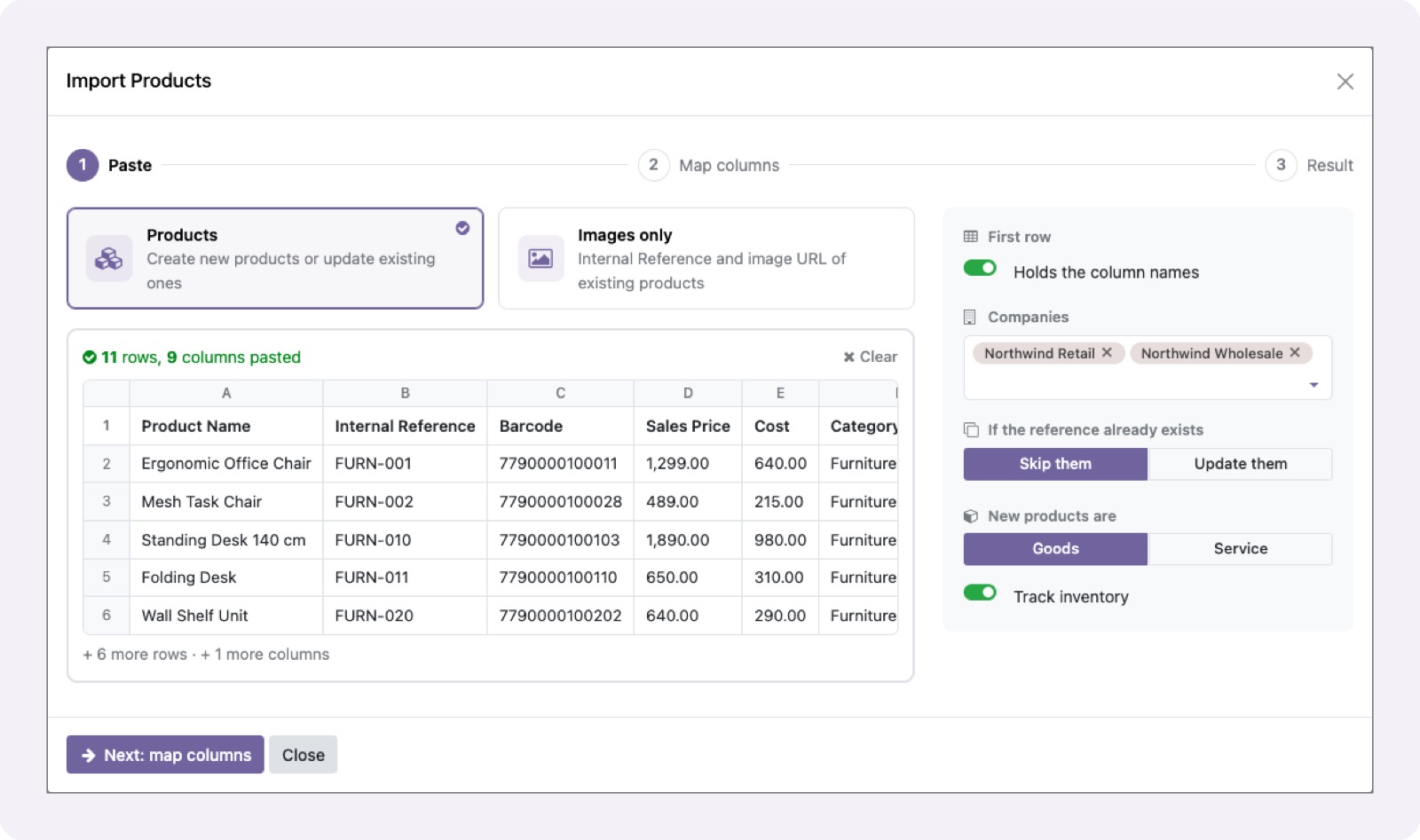
Create or update products by pasting cells from Excel or Google Sheets, multi-company.
Paste straight from Excel, Google Sheets or CSV, up to 5,000 rows
16 fields recognised by their name, in English or Spanish
Create or update by Internal Reference, variants included
Categories by path and tags, created when missing
Images downloaded from their URL in the background, with retries
Bulk change of Internal References, with undo
More Odoo apps
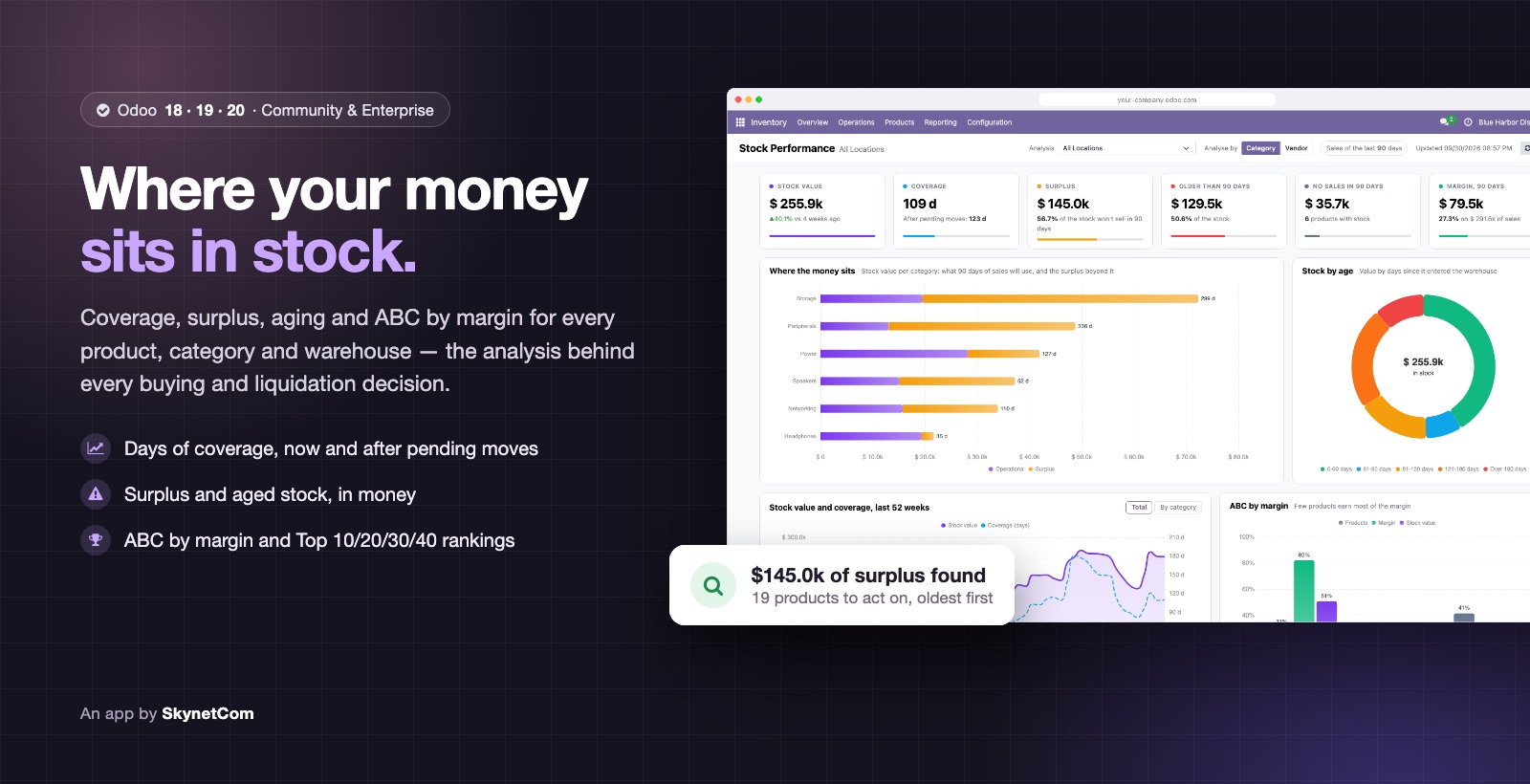

Stock Performance: Coverage, Surplus, Aging & ABC Dashboard
Coverage, surplus, aging and ABC by margin for your stock, with a dashboard.
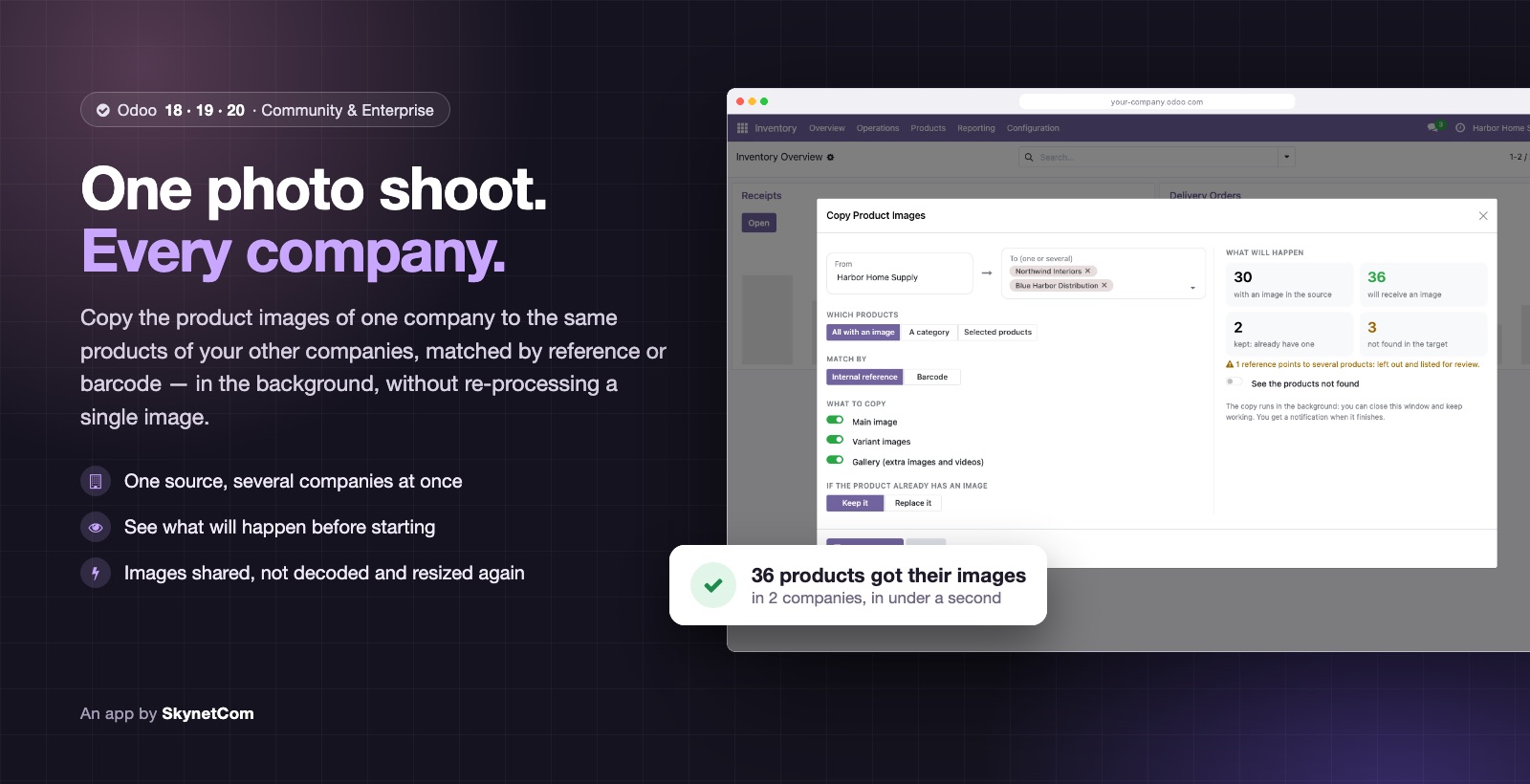

Copy Product Images Between Companies
Copy product images from one company to the others, by reference or barcode.


Marketing Budget, Supplier Costs & Brand Funds (MDF)
Marketing actions, supplier costs and payments, brand funds (MDF) and ROI.
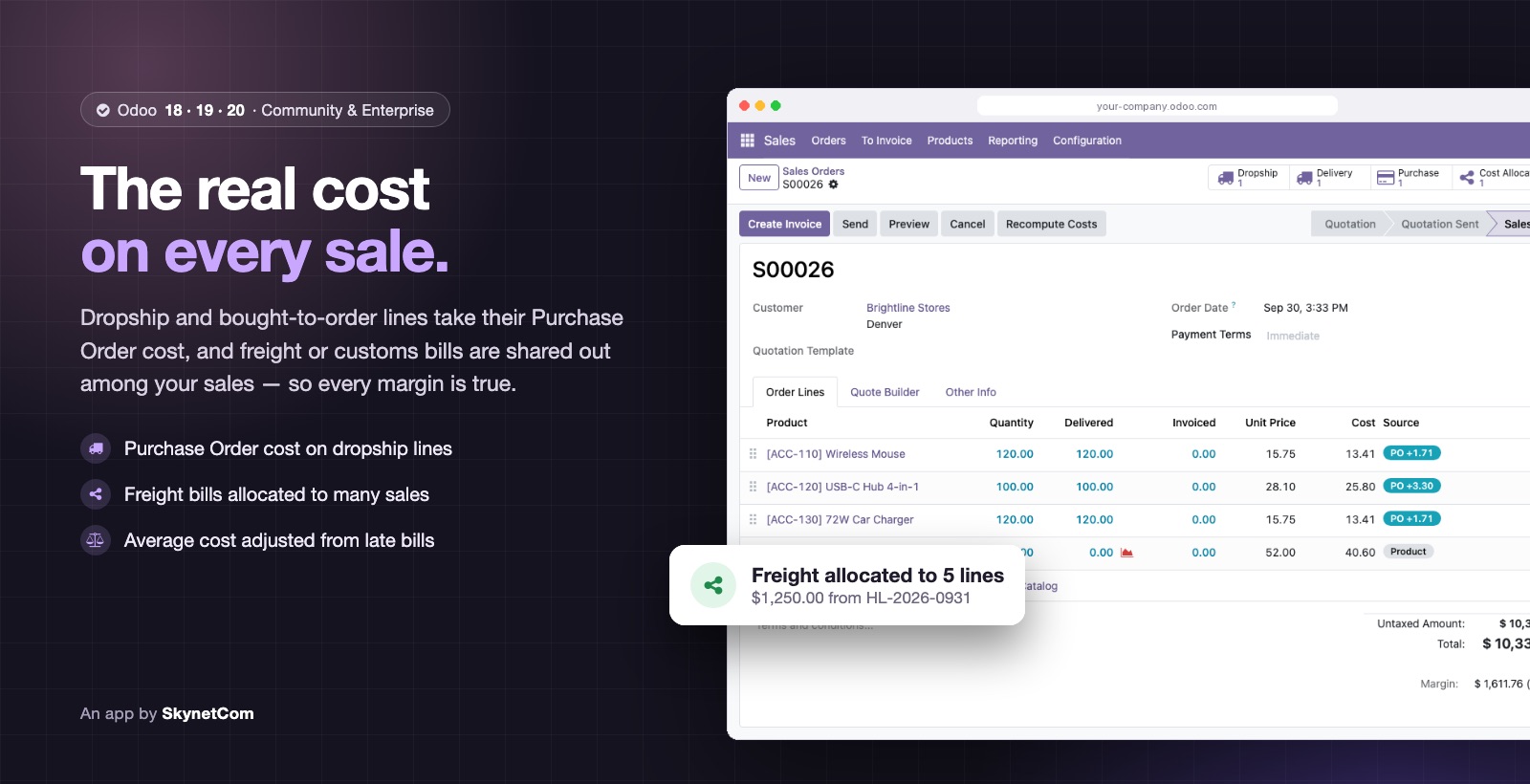

Sales Cost Management: Dropship, Purchase Cost & Freight Allocation
Real cost on every sales line: dropship, allocated freight and AVCO adjustments.
Need it adapted to your workflow?
We adjust any app to your operation or build a specific extension.