01 / 06
Native Video tab
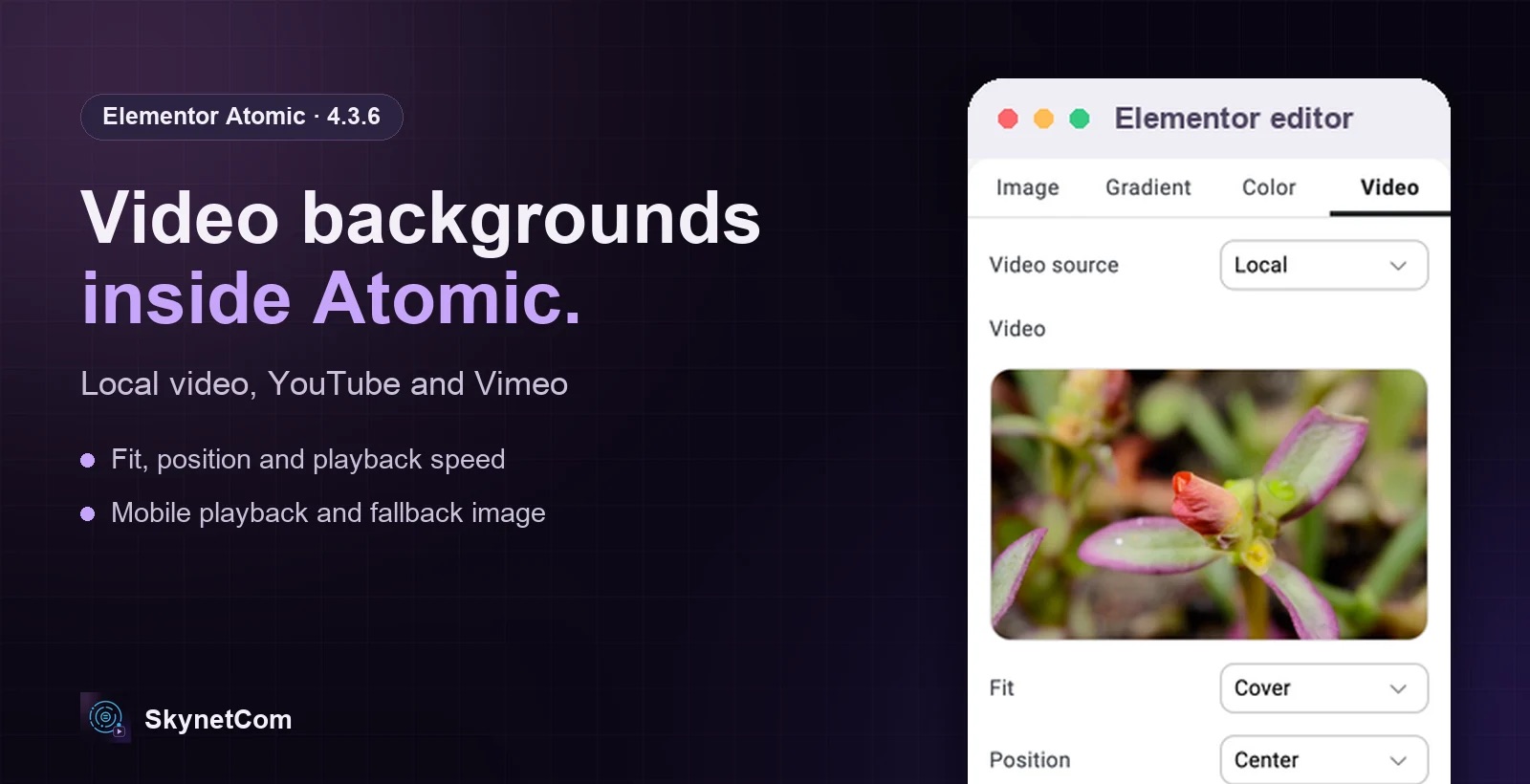
It shows up in Atomic’s background overlay selector, with the same sizing, spacing and media placeholder as the Image tab.
02 / 06
Three sources
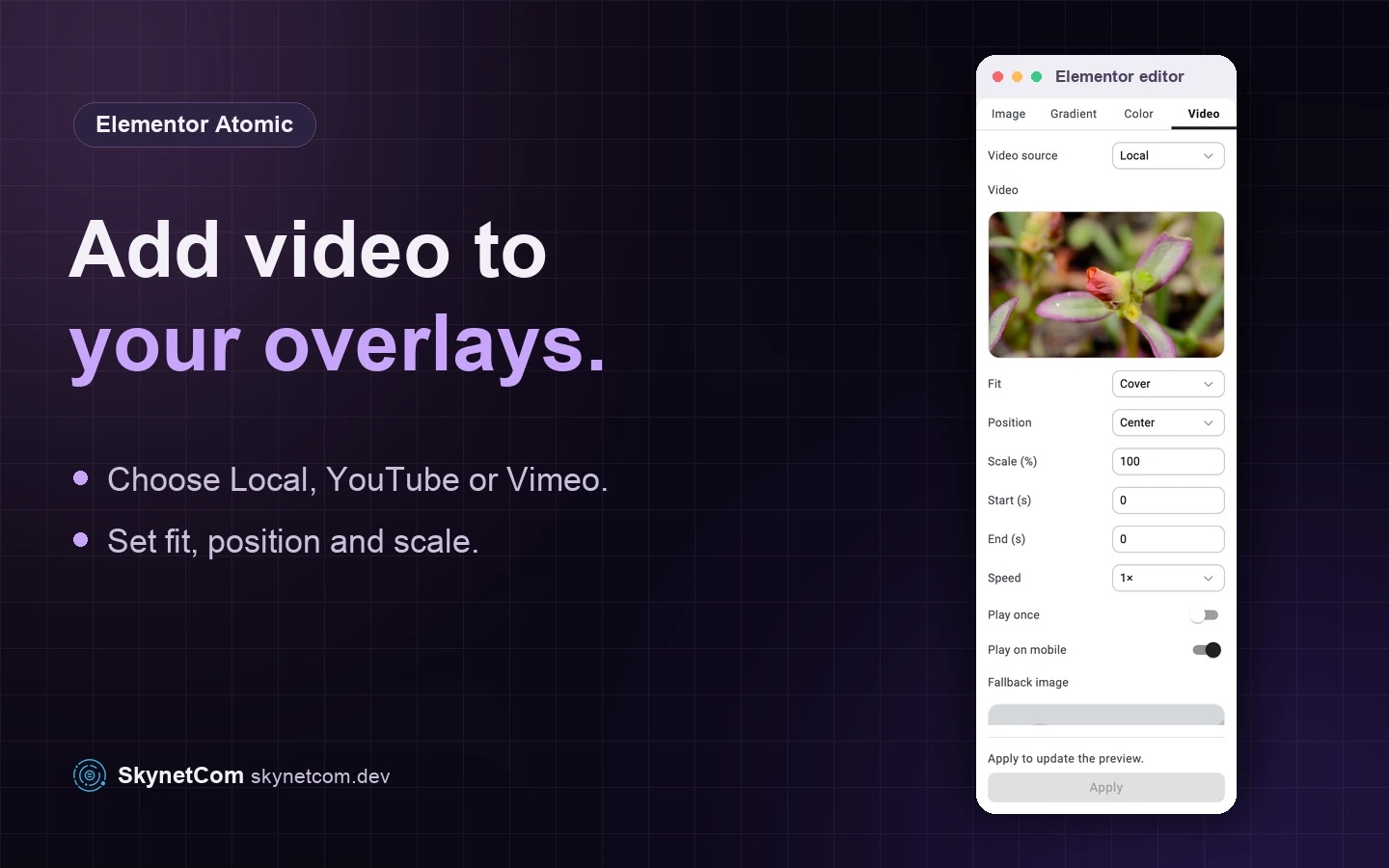
Pick or upload a video in the WordPress Media Library, or paste a YouTube or Vimeo link (unlisted videos included).
03 / 06
Framing
Fit, position and scale, so the video covers the block the way an image would.
04 / 06
Playback
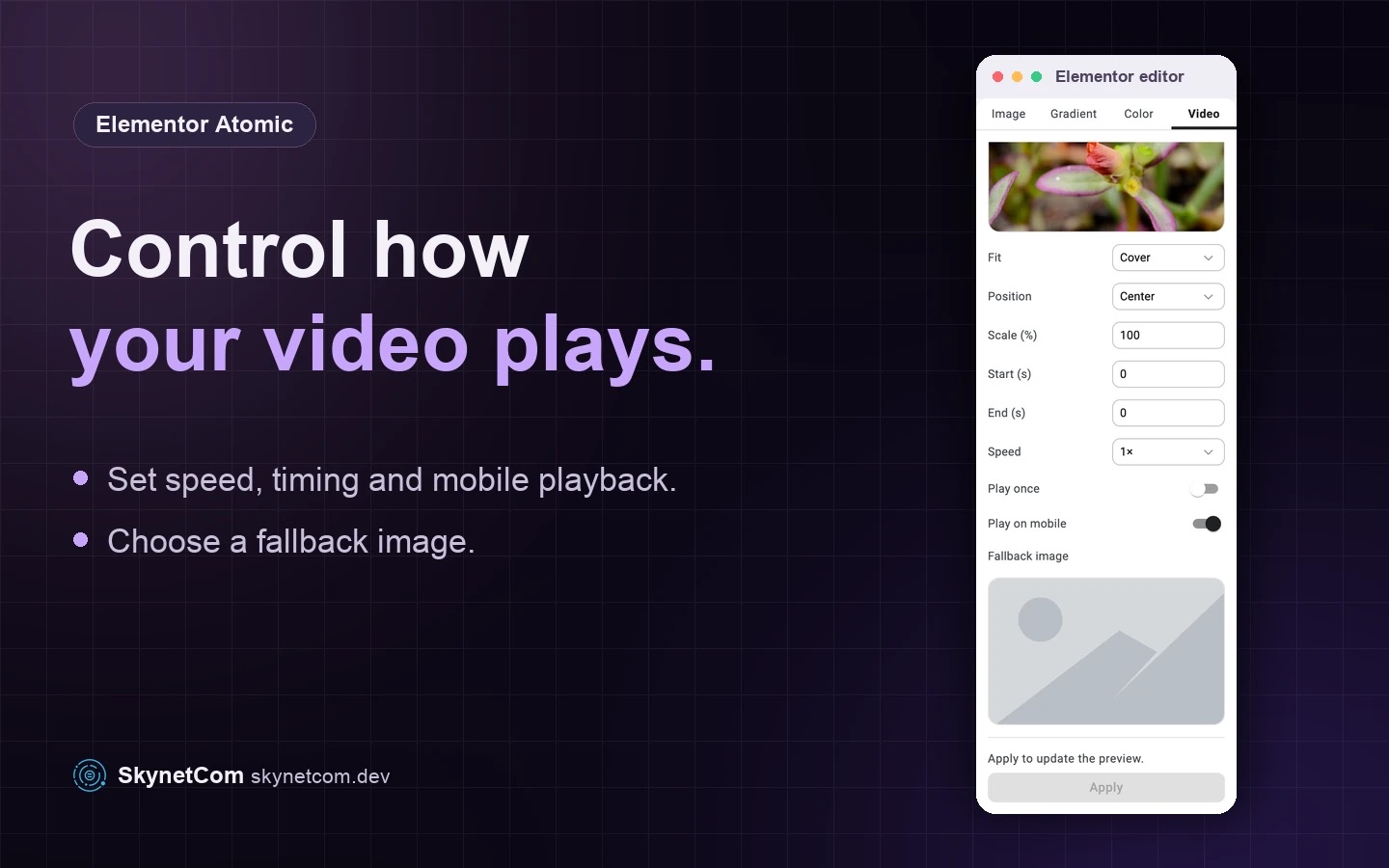
Speed, start and end time, looping or playing once.
05 / 06
Mobile and fallback image
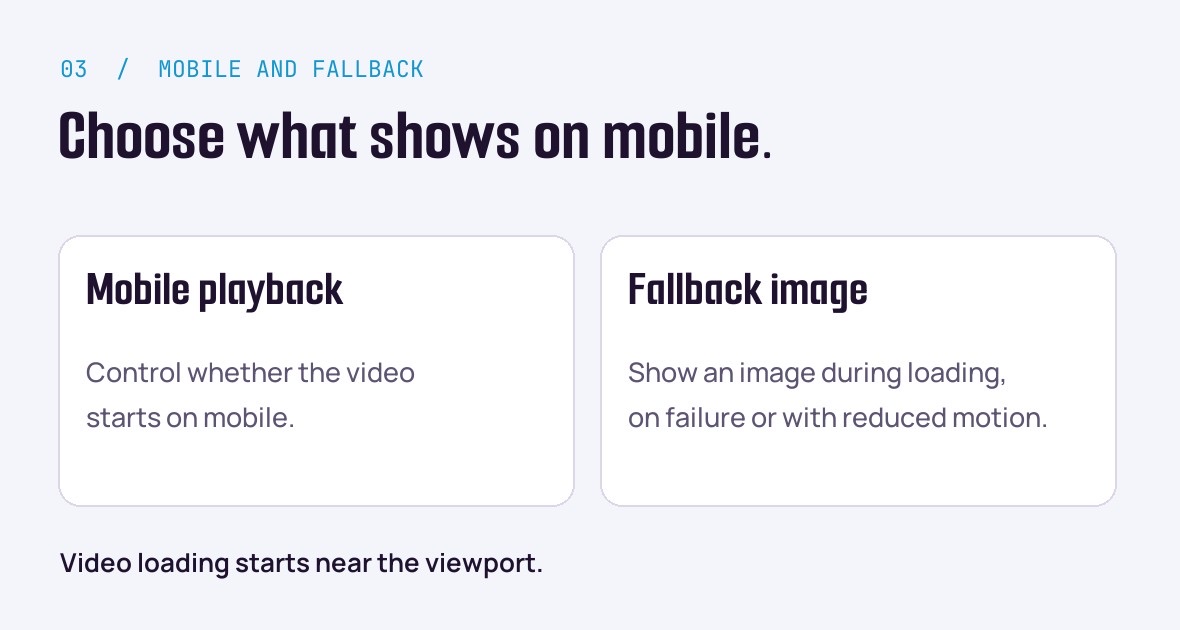
Decide whether the video plays on mobile. The fallback image shows while loading, on failure, on mobile and with reduced motion.
06 / 06
Light and layerable
The player only gets ready when the block nears the viewport, and image, gradient and color layers can sit on top of the video.